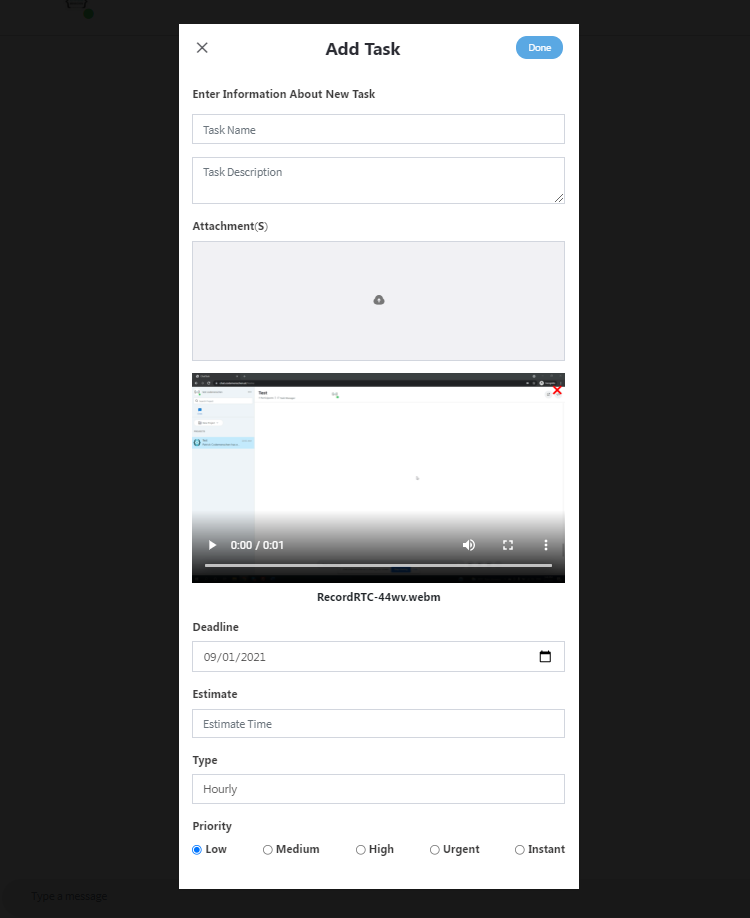
Creating the new tasks by following way:
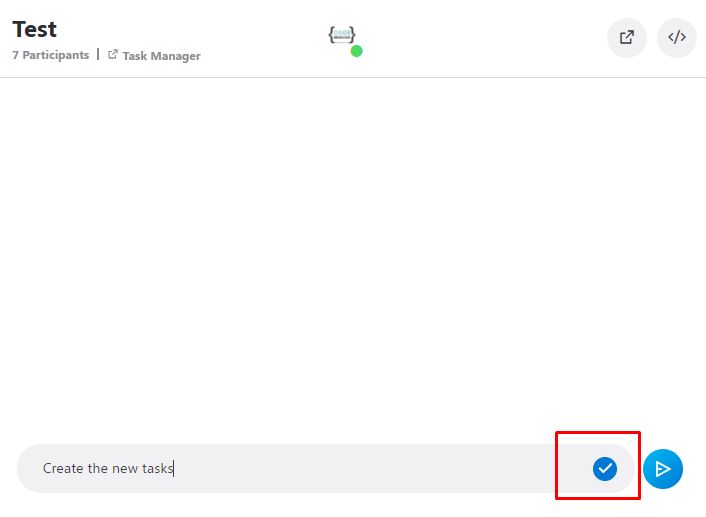
* Start creating task by ticking your task
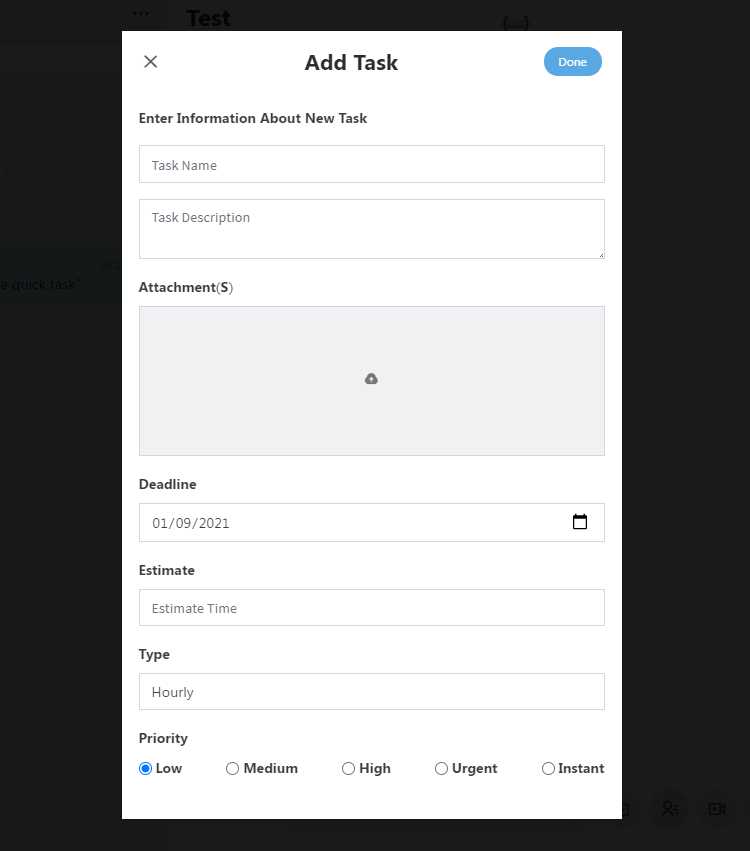
* Start creating Tasks with specific information
* Making video record from your computer screen when creating a new task
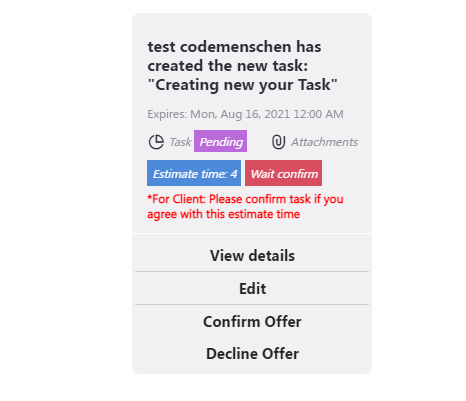
**Confirm the task before working: When you request a new task, we will take the tasks and give an estimate of the time of that task. If you agree to that arrangement, please confirm to start the assignment
1, Start creating task by ticking your task (picture below):
2,Start creating Tasks by clicking the icon with specific information and click “Done” button:

3,Making video record from your computer screen when creating a new task:
Step 1: Click the record icon
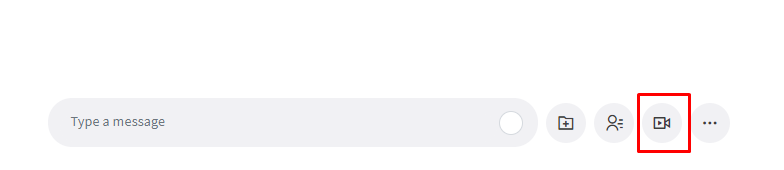
Step 2: Choose what to record and then click “Share” button:
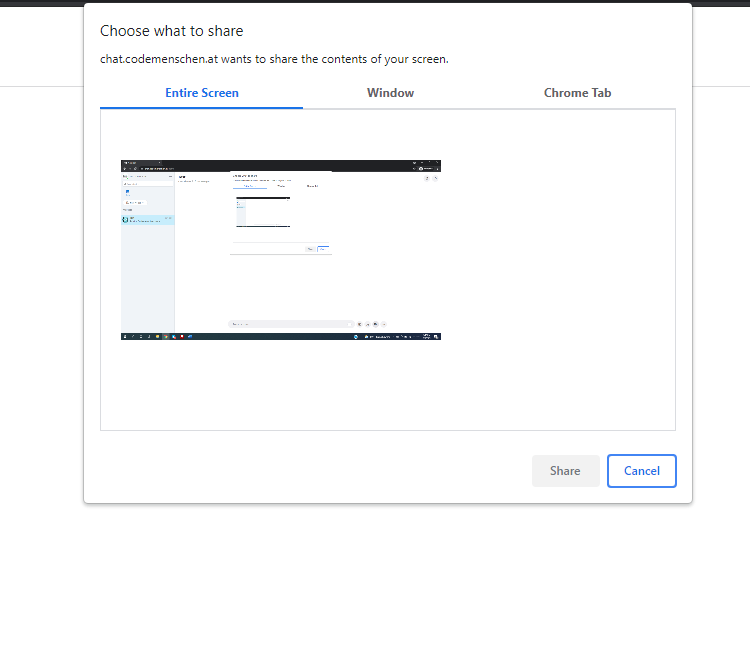
Step 3: Stop when you want end record

Step 4: Adding the information your tasks in your record video and click “Done” button