
Release notes of Gift Cards Pro, newest first. Updates are delivered through the WordPress updater as long as your license is active.
Version 5.0.1 — October 30, 2026
- Improvement: The plugin’s admin pages (Orders, Tools, Settings, Email Center, export and import) now require the new capability
wpgv_manage_gift_cardsinstead of the WordPress administrator capabilitymanage_options. Administrators keep full access. Give the capability to another role, for example the WooCommerce Shop Manager, to let it manage gift cards without access to the WordPress settings. The license page stays administrator-only. - Improvement: With the Members plugin, both Gift Cards Pro capabilities (managing gift cards and redeeming them on the staff redeem page) are listed in their own "Gift Cards Pro" group.
- Dev: New class
WPGV\Admin\Capabilityand filterwpgv_manage_capabilityto choose the capability the admin pages check.
Version 5.0.0 — October 30, 2026
- Improvement: The Stripe webhook is also available as a REST address,
/wp-json/gift-voucher/v1/stripe-webhook(the same address as the free plugin). The older address keeps working; register only one of the two in Stripe. - Improvement: Every order now stores which template its PDF was made with. A new PDF made later uses the same template even if the gift card was switched between image and builder mode since then. Older orders are filled in automatically in the background.
- Improvement: The buyer name, recipient name, both email addresses, phone and message can be corrected on the order details page. The timeline shows which details changed and who changed them.
- Improvement: The Orders page is easier to read on desktop and on phones: the date and the payment status are in the Order column, the redeem form is next to the code, the action column holds only buttons and the PDF links are named. On phones each order shows a short summary and the page no longer scrolls sideways.
- Improvement: The settings page no longer scrolls sideways on narrower screens and on phones, and the review notice closes with the standard × icon.
- Improvement: Gift Cards Pro extensions can also be installed as separate plugins. A newer separate copy is used instead of the bundled one, and a separate copy without Gift Cards Pro only shows a notice.
- Improvement: Saved API keys and secrets (Stripe, PayPal, Mollie, Klarna, MultiSafepay, reCAPTCHA) are no longer shown on the settings page or in its source: only the start and the last 4 characters are shown. Leave the field empty to keep the saved key, type a new one to replace it, or tick "Remove the saved key". The Stripe secret key and webhook signing secret can also be set in
wp-config.php(WPGV_STRIPE_SECRET_KEY,WPGV_STRIPE_WEBHOOK_SECRET). - Dev: New REST route
gift-voucher/v1/stripe-webhookand functionwpgv_stripe_process_webhook(); new columngiftvouchers_list.template_kind(schema 9) withwpgv_store_voucher_template_kind();WPGV\Extensions\Extensions::pick()and the optionwpgv_standalone_extensions;WPGV\Admin\SecretFieldfor secret settings fields (save handlers read them withSecretField::submitted()),wpgv_stripe_secret_key()andwpgv_stripe_webhook_secret(). The unusedinclude/webhook.phpwas removed.
Version 4.9.10 — October 27, 2026
- Improvement: The order details page can change the amount of an order. On a paid gift card the difference is added to or taken from the balance and shown in the history; the amount cannot go below what has already been used. Unpaid orders keep their payment amount at the payment provider.
- Improvement: Internal notes on the order details page. They are visible to admins only and are not shown on the balance page.
- Improvement: The order details page shows a timeline of the order: payment, redemptions, amount and expiry changes, payment notes and internal notes, with who made each change.
- Improvement: Buttons on the order details page create a new PDF and resend the email to the buyer or the recipient, for example after a change.
- Improvement: The gift card field in the cart and at checkout also accepts WooCommerce coupon codes, with the classic cart and the cart and checkout blocks.
- Improvement: Wrong codes in the gift card field and the coupon field no longer make the page wait 3 seconds. After 10 unknown codes from the same address within 15 minutes, both fields stop answering for a while.
- Improvement: Settings > Sample content has a “Remove sample content” button. It moves the sample page and cards to the Trash; cards that already have orders are kept.
- Dev: New filter
wpgv_redeem_max_failures. The timeline table isWPGV\Admin\ActivityTable; order changes are inWPGV\Admin\OrderEdits.
Version 4.9.9 — October 24, 2026
- Fix: With delayed Stripe payment methods such as SEPA Direct Debit, the webhook activated the voucher and sent it before the money had arrived, and a failed payment was never noticed. A voucher is now activated only when Stripe reports the payment as paid; a pending or failed payment is noted on the order, which stays unpaid.
- Fix: A Stripe webhook could mark a voucher as paid because of another plugin’s or site’s payment on the same Stripe account that carried the same order number. Only the Stripe payment created for the voucher counts now.
- Fix: With the “Popup Modal” and “Embedded” Stripe modes, a buyer paying with a bank redirect (iDEAL, Bancontact and similar) came back to the order form and the voucher stayed unpaid until the webhook arrived. The buyer now returns to the Stripe success page, which confirms the payment with Stripe.
- Improvement: Sites without a page for the Stripe success shortcode use
/stripe-payment-successful/, so Stripe payments are confirmed on return. A payment Stripe is still processing shows “We could not confirm your payment yet” instead of a failure. - Fix: Two redemptions of the same voucher at the same moment (two staff members, a double click, or a WooCommerce order) could spend more than the balance. Each voucher is now redeemed one request at a time.
- Fix: “Set Paid” and the bulk action “Mark as Paid” added the voucher amount again to a voucher that was already paid. The amount is now credited once.
- Fix: The “Use” action on the Orders page could deduct from an unpaid voucher. It now refuses unpaid vouchers.
- Improvement: New role “Gift card staff”: counter staff can look vouchers up and redeem them on the
[wpgv_partial_redeem]page without access to the WordPress admin. The voucher history on Check Voucher Balance shows who made each redemption, and the new setting “Staff search by email” can limit staff to the voucher code. - Improvement: The public balance page (
[wpgv-check-voucher-balance]) no longer shows the order note with the buyer’s name and message, and stops answering after 10 unknown codes from the same address within 10 minutes. - Improvement: Existing printed gift cards: a manual order can keep the code printed on the card, and the CSV import gives paid cards their balance at once and skips codes that are invalid, already used or repeated in the file. Files saved in UTF-8 are no longer garbled on import.
- Improvement: New “PDF page” box for builder gift cards: “Same shape as the card design” prints your design edge to edge instead of placing it on an A4 page.
- Improvement: Billing details on
[wpgv_giftcard](Settings > Invoice > Billing details): company name, address, company ID and VAT number, as an optional “I am purchasing as a company” checkbox or required for every order. They are printed as the billing address of the invoice; the two ID labels can be renamed to the names used in your country. - Fix: When an order form was placed in a page builder’s shortcode widget (Elementor), the default green replaced the colour chosen in “Border & Button Color”.
- Fix: With WooCommerce High-Performance Order Storage (HPOS), moving an order to the trash did not deactivate the gift cards bought with it. Gift Cards Pro now declares HPOS compatibility.
- Improvement: The Klarna scripts load only while Klarna is switched on, the colour picker is no longer loaded on every front-end page, and the gift checkbox assets on product pages can be cached by the browser.
- Improvement: Settings > Payment shows which Stripe webhook events to enable and how to keep a password-protected staging site while Stripe reaches the webhook.
- Dev:
wpgv_stripe_handle_webhook_event()handles a verified Stripe event;wpgv_acquire_balance_lock()/wpgv_release_balance_lock()guard balance changes; thewpgv_partial_redeem_capabilityfilter now defaults towpgv_redeem_vouchers; new filterwpgv_balance_check_max_failures.
Version 4.9.8 — October 23, 2026
- Fix: With Currency Position set to “Right”,
[wpgv_giftcard]still showed the currency symbol before the amount on the step 4 card preview and in the order summary. Both now follow the setting. - Fix: On WooCommerce products with the product page gift checkbox (“Do you want to add a gift card?”), the express payment buttons (Apple Pay, Google Pay and other Stripe or WooPayments express buttons) skipped the gift card details. While the box is ticked these buttons are hidden and a short note tells the buyer to use Add to cart.
- Improvement: The three order forms (
[wpgv_giftcard],[wpgv_giftvoucher]and[wpgv_giftitems]) now stop simple spam bots before an order is stored, with a hidden field and a minimum time to fill the form. There is no limit on how many orders a buyer can place. If unwanted orders still arrive, switch on reCAPTCHA in Settings. - Improvement: An unpaid order now says why it is unpaid. When the payment page could not be opened, or the buyer came back through the payment Cancel page, the order details show this under “Payment notes”. The order status is not changed and the order is never deleted.
- Improvement: The payment Cancel link now carries a key that only works for its own order. A Cancel link changed to another order shows “This link is not valid.” and records nothing.
- Improvement: Sites that were set up with an older version of the free plugin can have settings saved as “0” (for example Currency Symbol, Currency Position or Voucher Expiry Type). The plugin screens now name these settings so you can set them; nothing is changed automatically.
- Fix: Removed two PHP notices, one on a new install and one when creating WooCommerce gift voucher PDFs.
- Translation: Italian texts for the buyer phone field.
- Dev: New filter
wpgv_antispam_min_seconds(default 3) for the minimum time to fill an order form;wpgv_add_payment_note()adds a payment note to an unpaid order.
Version 4.9.7 — October 21, 2026
- Fix: Expired gift vouchers were accepted everywhere: the expiry check read the wrong date format and counted every voucher as valid. The new setting “Reject expired vouchers” (Settings > General) refuses a voucher after its expiry day in the WooCommerce cart and checkout (classic and blocks) and on the staff redeem page. It is off on existing sites, so nothing changes until you switch it on; Settings shows how many paid vouchers with balance left it would refuse. New installs start with it on.
- Improvement: Expiry dates are read in the format they were saved in: any expiry date format, a WooCommerce product’s own format, a typed fixed date, or month names in the site language. The voucher details page shows how the plugin reads the date and warns when it cannot; such a voucher never counts as expired.
- Improvement: Check Voucher Balance marks a voucher whose expiry date has passed (“Past expiry date”, or “Expired” when the setting is on). Administrators can still deduct from an expired voucher on the Orders page and are told it is past its date.
- Fix: MultiSafepay used a built-in API key when none was saved. It now needs your own key, and Settings warns when the saved key is that built-in one.
- Change: Klarna has discontinued Sofort, so the Sofort settings are only shown while Sofort is switched on, with a note to switch it off.
- Dev:
WPGV_Gift_Voucher::has_expired()honours the new setting and can be changed with thewpgv_voucher_has_expiredfilter;WPGV_Gift_Voucher::is_past_expiry()andWPGV\GiftCard\Expiryread a stored expiry whatever the setting.
Version 4.9.6 — October 19, 2026
- Improvement: PayPal, Stripe and Mollie payments now connect through WordPress itself (the WordPress HTTP API) instead of the bundled PayPal, Stripe and Mollie PHP libraries, so they use the certificate, proxy and timeout settings of your WordPress site. Nothing changes in your settings, order forms or payment pages.
- Improvement: Gift Cards Pro no longer clashes with other plugins or themes that bundle their own copy of the Stripe, PayPal or Mollie libraries, and the plugin download is about 1.4 MB smaller.
- Fix: Gift cards bought through
[wpgv_giftcard], WooCommerce gift voucher products, manual orders and the CSV import were stored with a line break after the expiry date. New orders are stored without it, and the update removes it from existing orders. The date printed on vouchers does not change. - Dev: The Stripe PHP SDK, the PayPal Checkout SDK, the Mollie API client and Guzzle are no longer bundled;
vendor/keeps only the Sofort and MultiSafepay libraries. Code that relied on Gift Cards Pro loading\Stripe\*,PayPalCheckoutSdk\*orMollie\Api\*classes must load its own copy. PayPal calls go throughWPGV\Payments\PayPal\Api;PayPalAuth::client()andPayPalAuth::environment()were removed.
Version 4.9.5 — October 16, 2026
- Change: Klarna, Mollie, MultiSafepay and the Stripe payment element (the “Popup Modal” and “Embedded” Stripe payment modes) are now extensions bundled with Gift Cards Pro. Nothing changes on your site: the settings, the order forms, the payment and success pages and existing orders stay as they are.
- Improvement: The step 2 preview of
[wpgv_giftvoucher]and[wpgv_giftitems]now shows the chosen design and its title straight away, without waiting for the server, so customers see their voucher immediately instead of the default card image while it loads. - Fix: On
[wpgv_giftcard], the payment method list was missing when Klarna was the only payment method switched on. - Fix: A MultiSafepay or Klarna display name with an apostrophe showed a backslash on the order forms. New names are saved without it; to fix an existing name, type it again in Settings and save.
- Dev: The order forms list their payment methods through the new
wpgv_payment_methodsfilter, and gateway extensions add their Settings rows throughwpgv_settings_payment_fields_startandwpgv_settings_payment_fields_after_stripe. Core keeps PayPal, Stripe hosted Checkout, Sofort and Per Invoice.
Version 4.9.4 — October 15, 2026
- Fix: When PayPal could not be reached from the server (for example an outdated certificate store or a network timeout), the order form only showed “Error occurred” and left an unpaid order behind. The buyer now sees “PayPal could not be reached. Please try again or choose another payment method.” and no order is stored.
- Fix: A payment method that is switched on but not set up (no PayPal, Stripe or Mollie keys, no Klarna success page, or a Klarna market that needs another currency) is now refused before the order is stored. Before, every attempt left an unpaid order in Purchase History.
- Fix: On sites whose permalinks start with
/index.php/, the payment success and cancel pages opened as “Page not found” when no page was selected for them in Settings. The links now follow the permalink settings. - Fix: “View details” on the Plugins page showed “There has been a critical error” when the store listed contributors for Gift Cards Pro.
- Fix: A card background you uploaded or generated with AI came out stretched in the PDF when its shape differed from the card, for example a landscape photo on a portrait card. The PDF now fills the card the way the design editor and the order form show it: same proportions, centred, edges trimmed. To update a PDF that was already sent, use “New PDF” in Purchase History.
- Fix: The built-in payment result pages (used when no page is selected in Settings) wrote PHP warnings to the error log on every view. The pages looked and worked the same; the log is now clean.
- Fix: Gift items paid with PayPal or Mollie now show the item name at the payment provider instead of an empty reference or “Default payment description”.
- Improvement: The plugin download is about 37% smaller (15.2 MB to 9.8 MB): an unused second copy of the PDF library, documentation and test files of the bundled libraries, and unused font files are no longer shipped. Nothing changes in how the plugin works.
- Dev: The payment code of the three order forms (
[wpgv_giftcard],[wpgv_giftvoucher],[wpgv_giftitems]) now lives in one place (src/Payments), so a gateway fix applies to every form. Add-ons can register a gateway with thewpgv_payment_gatewaysfilter.
Version 4.9.3 — October 12, 2026
- Security: Fixed an issue where adding
per_invoice=1to the payment success link of an unpaid order skipped the payment check and emailed the voucher (it stayed “Not Paid” and could not be redeemed in the plugin). The payment method is now taken from the order. - Security: Orders can only use a payment method that is enabled in Settings. Before, a crafted request could still choose any method, for example “Per Invoice” while bank transfer was off.
- Fix: Fixed an issue where Stripe (payment modal and embedded checkout) charged one cent less for some amounts, for example 19.98 instead of 19.99. All payment gateways now receive the amount rounded to whole cents.
- Fix: “Hide price” now also hides the price label on the designs in step 1 of
[wpgv_giftvoucher], as its description says. The card’s price is still charged. - Fix: Fixed an issue where sites did not see new versions of Gift Cards Pro because the update check gave up after 5 seconds when the store answered slowly. It now waits up to 15 seconds, and “View details” on the Plugins page no longer shows “There has been a critical error” in that case.
- Fix: Dashboard > Updates > “Check again” now finds a new release straight away instead of after up to three hours.
- Fix: On
[wpgv_giftcard], the Format and Category labels are no longer h6 headings and the category and shipping choices are real links, so screen readers and search engines read the page correctly. The form looks and works as before. - Fix: The “Create Plugin’s Default Pages” button is now the “Sample content” box in the Settings sidebar. The old button did nothing, created content without a security check, showed a raw log, duplicated the cards on every run and often left the designer cards without images. One click now adds the Gift Cards page and the example cards once, with their images, and shows a short summary.
Version 4.9.2 — October 12, 2026
- Fix: Improved performance for pages using the
[wpgv_giftcard]shortcode. On sites with many gift cards, category loading could take over 3 seconds due to inefficient database queries. Active designer cards are now retrieved in milliseconds. This also resolves potential failures when checking for automatic plugin updates. - Update: Improved translation support. Added approximately 400 missing strings to the translation template (gift-voucher-pro.pot) and bundled language files, making them available in Loco Translate. Existing translations remain unchanged.
- Update: Reduced plugin download size by approximately 1 MB by removing unused legacy translation files and sample templates that can be downloaded when needed.
- Dev: Moved the staff redemption shortcode
[wpgv_partial_redeem]and WooCommerce features (gift checkbox, custom amounts, gift card restoration, redemption restrictions, and product-specific expiration) into dedicated folders under extensions/. All existing functionality and settings remain unchanged. - Dev: Added new extension hooks:
wpgv_woocommerce_loaded,wpgv_settings_redeem_fields,wpgv_settings_woo_checkbox_fields,wpgv_settings_woo_checkbox_list_fields, andwpgv_settings_woo_expiry_fields.
Version 4.9.1 — October 10, 2026
- Fix: Fixed an issue where, on designer cards, the date label of the design was always replaced by the plugin’s own label (“Date of Expiry” or “Purchase Date”, depending on the date display setting). A design that leaves the label empty showed “Purchase Date” anyway, and a design with its own wording (for example “Ausstellungsdatum”) showed the plugin’s text instead. The design’s label is now used as designed, in the step 2 preview, the product page preview and the PDF; only the plugin’s default labels still follow the date display setting.
- Fix: Fixed an issue where sites in German (formal), German (Austria) or German (Switzerland) showed the plugin in English. The German translation now also covers de_DE_formal, de_AT and de_CH.
Version 4.9.0 — October 8, 2026
- Fix: Fixed an issue where gift cards collected hundreds of identical “wpgv_templates_style” custom fields. Every time any plugin on the site was updated (not just Gift Cards Pro), the plugin added one more to every gift card. It now adds the field only to an image card that has none, and only when Gift Cards Pro itself is updated. The extra copies already on your site are set aside automatically on the first admin page load after the update (one per card is kept, so nothing changes in what each card shows); a backup is written first and the notice offers a rollback.
- Fix: Fixed an issue where designer cards and their categories (for example Birthday or Christmas) appeared in [wpgv_giftitems] and [wpgv_giftvoucher], because some of those extra fields tagged them as list items. Those forms now show image cards only.
- Fix: Fixed an issue where [wpgv_giftcard] listed every gift card category, including categories that hold only image cards, so choosing one showed “No Gift Voucher Found!”. It now lists only categories with at least one active designer card.
- Update: Activating Gift Cards Pro while the free Gift Cards plugin is active no longer fails with a fatal error. Gift Cards Pro deactivates the free plugin and says so; your gift cards, orders and settings are kept and used by Gift Cards Pro.
- Update: Gift Cards Pro needs PHP 7.4 or newer. On an older PHP it now shows a notice and stays inactive, instead of stopping every page with an error.
- Dev: AI Backgrounds, the [wpgv_giftcards] shop display, the PayPal webhook, and the CSV export, CSV import and Manual Order tools now live in their own folders under extensions/. Nothing changes in how they look or work, and their settings are kept.
- Dev: Added hooks for add-ons: wpgv_loaded, wpgv_admin_pages, wpgv_settings_sections, wpgv_settings_form_sections, wpgv_settings_save, wpgv_orders_nav_tabs.
Version 4.8.9 — October 7, 2026
- Feature: Added a custom amount option for the WooCommerce Gift Voucher product. In the product’s Gift Voucher tab, “Allow custom amount” adds a “Custom amount” choice after the fixed amounts. The buyer enters any value between a minimum and maximum (set per product, or taken from the Min/Max in Settings) and pays it through the normal WooCommerce cart, checkout and payment methods. The voucher gets exactly that value. The option is off by default for every product.
- Feature: Added “Restore to gift card” for partial refunds. On a WooCommerce order paid with a gift card, a new box on the order screen puts an amount back on the card, up to what the card paid, with an entry in the voucher’s history and an order note. WooCommerce refunds cannot do this when the gift card paid the whole order (the order total is 0), so the restore is a separate, explicit action. Cancelling or fully refunding the order later credits only what was not restored yet.
- Fix: Fixed an issue in [wpgv_giftcard] / [wpgv_giftcards] where a buyer who clicked “Pay Now” before the card preview had finished loading (for example while the web fonts were still loading on a first visit) stayed on the loading spinner and no order was placed. The preview no longer holds up the order.
- Fix: Fixed an issue where, with block themes such as Twenty Twenty-Five, the WooCommerce Gift Voucher product page showed the voucher preview above the product and the product image a second time below it. The preview now takes the place of the image gallery at full column width, with the product name and, when the product has no image, the default voucher image from Settings. Other products keep their gallery.
Version 4.8.8 — October 6, 2026
- Feature: Added a new “Staff redeem page” setting under Settings > General for the [wpgv_partial_redeem] page. “Enter an amount” is the default and works exactly as before. “Enter an amount, or redeem the full balance in one click” adds a “Redeem full balance” button. “Full balance only” makes vouchers single-use: staff see only that button and no amount field. The full balance is read by the plugin itself, and staff confirm before it is redeemed. Redemption at the WooCommerce checkout is not affected.
- Fix: Fixed an issue where saving the settings before the WooCommerce gift-checkbox lists (“Allowed templates”, “Show checkbox for products”) had finished loading, or after they failed to load, cleared both lists, causing the checkbox to appear on every product. The saved lists are now kept in this case.
- Fix: Fixed an issue where clicking “Use” in the admin order list left the cents of a voucher’s balance. For example, a 34.48 voucher could keep a 0.48 balance. The whole balance is now cleared.
- Fix: Fixed an issue where entering exactly the remaining voucher balance with cents on the staff redeem page could be refused as “exceeds the current balance”.
- Fix: Fixed an issue where the line under each voucher on the staff redeem page showed garbled characters between the code and the balance instead of a dot.
- Feature: Added alignment guides to the gift card builder. While dragging text or the logo, items now snap to the edges and centre of the card, as well as the edges and centres of other items. A dashed line shows what the item is aligned with. Hold Alt while dragging to place an item freely.
- Fix: Fixed an issue where the first time text was dragged in the builder, it could jump away from the mouse because the Text style panel opened while the mouse button was still held and moved the canvas. The text is now selected when it is dropped. Dragging is also smoother because the design is no longer saved to the form on every mouse movement.
Version 4.8.7 — October 5, 2026
- Fix: Fixed an issue where PayPal and Mollie orders from [wpgv_giftcard] / [wpgv_giftcards] did not carry the gift card’s name as the order label. The label is now included correctly. This also fixes two PHP warnings that were logged for each such order.
- Fix: Fixed an issue where the plugin ZIP did not include the font encoding tables required by the PDF engine for its built-in fonts. These files are now included again.
Version 4.8.6 — October 2, 2026
- Fix: Fixed an issue where an order whose number matched the ID of a post revision could lose its stored details. Purchase History showed an empty Total Payable Amount, and Stripe and Klarna payment confirmations could not find the order. These details are now stored with the order itself. For older orders affected by this issue, Purchase History shows the voucher amount as the total.
- Feature: Added a PayPal webhook. Previously, a PayPal payment was completed only when the buyer returned to your site. If a buyer approved the payment and closed the tab, the payment was not completed and no gift card was issued. Add the webhook URL shown under Settings > Payment Settings, next to the PayPal keys, to your PayPal app using the “Checkout order approved” and “Payment capture completed” events, then enter the Webhook ID. The plugin can then complete these orders automatically. Webhook calls are verified with PayPal before anything is marked as paid.
- Fix: Fixed an issue where a payment confirmed twice at the same moment, such as by the gateway webhook and the buyer returning to the thank-you page, could send order emails twice. Orders are now processed only once.
- Feature: Added an optional “Download your gift card (PDF)” button to the thank-you page for [wpgv_giftvoucher], [wpgv_giftcard] / [wpgv_giftcards] and [wpgv_giftitems]. The option is available under Settings > General > Order form and is off by default. The button appears only after a confirmed payment and only in the browser that placed the order, for 24 hours. It never appears for unpaid Per Invoice orders or for post orders when the buyer does not receive a PDF.
- Feature: Improved Export as CSV with a new form where you can choose the order dates, using Last month, This month or All time shortcuts, the payment status (all, paid only or not paid only) and the format. The Excel Europe format uses semicolons and decimal commas, allowing Excel in German and other European languages to open the data directly into columns. Seven columns were added to the end of each row: Phone, City, Country, Total Paid, Shipping Cost, Extra Charges and Currency. Amounts are exported as plain numbers that can be added up. Gift cards created in the designer now show their name in the Template Name column.
- Feature: Added a new Post orders setting under Settings > General: “Post orders: email the voucher PDF to the buyer”. Shops that send pre-printed cards can turn this off so buyers of post orders receive only the order confirmation, without the voucher PDF or its download link. The new {voucher_delivery} email tag indicates how the voucher will arrive, either by download link or by post address. This option is enabled by default, so existing behaviour remains unchanged until it is turned off.
- Feature: Added City and Country fields to the post address in [wpgv_giftvoucher], [wpgv_giftcard] / [wpgv_giftcards], [wpgv_giftitems] and the admin Add New Giftcard Order form. City is required and Country is optional. Both are shown in Purchase History and voucher details.
- Feature: Added new email tags: {shipping_name}, {shipping_address}, {shipping_city}, {shipping_country}, {shipping_method}, {shipping_cost}, {total_paid} and {customer_phone}. The default admin email now lists the buyer, amount, shipping cost, total paid and destination of post orders. Sites that have already saved their admin email keep their existing email content and can add the new tags. Shipping cost is now stored with each order.
- Feature: Added Amount buttons for the gift card order forms ([wpgv_giftvoucher], [wpgv_giftcard] / [wpgv_giftcards] and [wpgv_giftitems]). Under Settings > General > Order form, enable Amount buttons and enter the amounts to offer, such as 50, 100, 150 and 250. Buyers can then select an amount with one click. The Allow a custom amount option lets buyers enter another amount between the Minimum and Maximum Voucher Value. When disabled, only the listed amounts can be purchased, and this is also checked when the order is placed. A card or item with its own price keeps that price. Both settings are off by default.
- Fix: Fixed an issue where the gift card order forms ([wpgv_giftcard] / [wpgv_giftcards] and [wpgv_giftvoucher]) did not validate the amount on the server before creating the order. A card with a fixed price is now always charged at that price, while other amounts must be between the Minimum and Maximum Voucher Value. The extra charge is always taken from the settings. Previously, a modified request could change the amount or extra charge that was paid.
- Fix: Fixed an issue where, with two or more post shipping methods, the shipping cost shown in the order form was not added to the amount charged because the form and payment step read the methods list differently. All order forms, the admin order form, receipts and invoices now read the shipping methods consistently. Methods can be separated with |, a comma or one per line. A post order using a method that is not in the list is now refused instead of being shipped for free.
- Fix: Fixed an issue in [wpgv_giftvoucher] where a card with a special price did not fill in the special price shown in the card list. It now uses the special price, and a card with a fixed price also fills in its fixed price when the card selection step is hidden.
Version 4.8.5 — September 28, 2026
- Feature: Added an optional buyer phone field for gift card order forms. Under Settings > General > Order form and Settings > WooCommerce, the phone field can be set to Off, Optional or Required. The phone number is saved with the voucher and shown in Purchase History, voucher details, the WooCommerce order and CSV export. It is not printed on the gift card.
- Improvement: Improved the Classic layout in the gift card builder. Texts can no longer be dragged, selected or resized on the preview, keeping the layout fixed as designed. The photo is selected with Upload image or Generate with AI. Classic cards also no longer show the company logo or company name in the preview, step 2 of the purchase form or PDF, including cards saved before this version.
- Feature: Added a blue frame around selected text in the gift card builder. Side handles resize the text box, corner handles change the font size, and the top handle rotates the text. Text style fields update with the selected text, while the frame is never included in the saved preview image.
- Fix: Fixed an issue where built-in designs with transparent areas, such as rounded corners or ticket notches, could show a black border because preview images were always saved as JPEG. Designs with transparent areas are now saved as PNG, while designs that cover the entire card continue to use smaller JPEG files. The card picture is updated the next time a change is saved.
- Fix: Fixed an issue where the gift card builder saved an empty copy of the logo resize frame every time the editor was opened, causing the design to grow and eventually triggering a too-many-layers warning. These copies are now removed when the editor opens and are no longer saved. Existing copies are removed the next time the card is changed and saved.
- Feature: Improved text styling in the gift card builder. Clicking any text now opens Text style, where its font, colour, font size, line height, width and alignment can be changed. The searchable font list contains fonts that are rendered consistently in the preview and PDF. Changes are carried through to the purchase form and PDF. A line’s own colour takes priority over Text colour, and clearing it makes the line follow Text colour again. Automatically generated fields such as company name, date, voucher code, website and email can be styled in the same way.
- Fix: Fixed an issue where editing a built-in gift card and clicking Update could leave the preview image and step 1 card picture showing the old design while step 2 and the PDF showed the new design. Changes made on the canvas now generate a fresh preview image when the card is saved. Existing cards that are out of sync are updated the next time a change is made and saved.
- Fix: Fixed an issue where the “Revert changes” and “Upload background” icon buttons were not centred inside their boxes. They are now properly centred.
- Fix: Fixed an issue where Text colour, design content fields and Builder notes remained visible on the Basic information and Template background tabs after opening a design. These fields now appear only under Edit design.
- Fix: Fixed an issue where clicking the card preview to start editing did not switch the metabox to Edit design. Clicking the preview now switches to Edit design, just like the Edit design button.
- Fix: Fixed an issue where the Edit design tab was shown before a template had been selected, including on new gift cards and after switching from Classic to Overlay without an available Overlay design. The tab now appears only after a template has been chosen, matching the Edit design button below the preview.
- Fix: Fixed an issue where the blue selection frame around text could be too narrow or too wide, and centred or right-aligned text could be slightly misaligned because fonts had not finished loading when the text was measured. Text is now measured again when its font is ready, including the full shape of characters such as “$” and script-font flourishes.
- Improvement: Improved the preview column so the card can only be edited from the Edit design tab. On Basic information and Template background, the card is now a preview: texts cannot be accidentally moved or selected, the heading reads “Preview”, Revert changes is hidden, and clicking the card opens Edit design.
- Improvement: Improved the Edit design tab layout. It now keeps the same two-column structure as the other tabs, with settings such as Text colour, text fields, Text style and Builder notes on the left and the card on the right. Switching tabs no longer rearranges the screen.
- Improvement: Improved photo handling when changing templates or layouts. A gift card now keeps its photo when the template or layout changes. Classic always shows the photo, while Overlay provides a new Background switch to choose between “Your photo” and “Template artwork”. The selected choice is preserved when trying other templates.
- Fix: Fixed an issue where Revert changes could restore the saved card settings underneath a newly selected template or layout, causing the Edit design tab to disappear and potentially saving the old design with the new preview. Revert now only discards design edits made to the current template while keeping the selected template and background.
- Fix: Fixed an issue where Show service name displayed only the product name for variable products purchased with the product page gift checkbox. The card preview, checkout preview and PDF now show the product name together with the selected option, such as “Percorso Luxury Spa – Lun – Ven”, including options set to “Any”.
- Fix: Fixed an issue where the card preview on a simple product page did not show the service name because the product was not detected from the page’s Add to cart button. The product is now detected correctly.
- Fix: Fixed an issue where the product page card preview for gift cards using the gift checkbox showed Classic cards without their photo or white field boxes, and could display the company logo at full image size over the headline. The preview now matches the gift card editor, with the photo filling its frame, the field boxes preserved and the logo fitted to the correct size.
- Fix: Fixed an issue where some texts in the product page card preview were displayed using a serif fallback font. The preview now uses the same card fonts as the gift card editor and PDF and waits for them to load before drawing.
- Fix: Fixed an issue where the product page card preview showed a white strip along its right edge on block themes. The preview now always fills the available width.
- Fix: Fixed an issue where template choices under the product page gift checkbox showed each packaged template’s sample image instead of the card as designed. They now show the same card image used on the shop page, including the card’s photo and edits.
- Fix: Fixed an issue where the admin order screen displayed Voucher Code and Voucher ID twice for items purchased with the product page gift checkbox. Each value is now displayed only once.
- Improvement: Moved Show service name from General > Shop page to the WooCommerce settings, next to the product page gift checkbox it applies to. The option is also hidden when the shop page uses the Grid display. Existing saved choices are preserved.
Version 4.8.4 — September 25, 2026
- Fix: Fixed an issue on older sites where some built-in gift cards showed a blank card at step 2 of the Modern purchase form. Their background pointed to a frame that no longer exists. They now use the design saved with the card.
- Fix: Fixed an issue where a gift card’s expiry date could differ between the card screen, step 2, and the saved order. A leftover site setting without a corresponding field in Settings could override the card’s own expiry. The card’s expiry now determines the expiry shown everywhere. On sites where the leftover setting was active, existing cards are set to “Never expires” so there is no change for buyers, and a real expiry can then be set per card.
- Fix: Fixed an issue where the gift card PDF displayed “Date of Expiry” with an empty value for cards that never expire. It now displays “No Expiration”.
- Fix: Fixed an issue in the gift card builder where switching the layout from Overlay to Classic and back replaced the card’s design with the first design in the template list. The card now returns to the design it was using.
- Fix: Fixed an issue where the Orientation and Template labels under the preview did not follow the Card format buttons or the Overlay and Classic switch. They now update with every change, and cards using a Classic layout are labelled “Classic” instead of a dash.
- Fix: Fixed an issue where the “Upload image” card under Template background showed “No image chosen yet” after a card with an uploaded photo was updated a second time, even though the photo was still on the card. The photo is now kept exactly as it was saved.
- Fix: Fixed an issue where switching between Portrait and Landscape with the Card format buttons removed the photo from a Classic card. The photo now carries over and is refitted to the new format, both for newly opened cards and cards being edited.
- Improvement: Improved the layout switching behavior for cards that have never had an Overlay design. Switching to Classic and back now returns to “no design chosen” instead of selecting the first design in the list. The Templates list also opens at the correct orientation, allowing the user to choose the design.
- Improvement: Improved the Template background section. “Upload image” and “Generate with AI” now remain locked until a design has been chosen, with a short note explaining why. Templates is also listed first to match the order used in Overlay. This prevents a card from being built on a retired layout while being recorded as using the first design in the list.
- Improvement: Improved the preview loading experience. When a template is loading, such as after switching the layout, using the Card format buttons, selecting a design, opening Edit design, or choosing a photo while the editor is closed, the card now appears softened behind a frosted overlay with a spinner, while a thin progress bar runs along the top of the preview column.
Version 4.8.3 — September 22, 2026
- Fix: Fixed a fatal error on the WooCommerce cart and checkout pages when Gift Cards Pro was active with themes or plugins that strictly type the
wc_get_templatefilter, such as Divi 5. The plugin was passing an empty string where WooCommerce expects an array of template variables. It now passes an array, allowing the cart and checkout pages to render correctly.
Version 4.8.2 — September 20, 2026
- Fix: On the Giftcard modern purchase form, gift cards with an uploaded background image now fill the entire card in step 2. Previously, the background could appear smaller than the card, leaving the text outside the image and a blank area at the bottom on phones and tablets.
- Fix: On the Giftcard modern purchase form, the loading overlay now appears immediately when “Pay Now” is clicked. It no longer waits for the card preview to be redrawn or disappears while the payment request is still running.
- Fix: The standard list form no longer shows empty gift card categories or categories containing only Grid View cards. Only categories with at least one List View card are displayed.
- Fix: “Show Preview as PDF” on the standard grid form now opens the PDF preview correctly. The preview link was missing after a change introduced in 4.8.0.
- Fix: On image-based gift card PDFs (standard list and grid), the item title and description now start below the card image instead of overlapping it. Multi-line descriptions also leave enough space for the fields below.
- Fix: On the standard grid purchase form, the loading overlay now appears immediately while the payment request is running and is cleared if the payment cannot be started. The overlay is now translucent grey, keeps the order visible, and the spinner remains centred on screen even on long steps. On the standard list form, a step change can no longer clear the overlay too early.
- Fix: Settings → General now links to PayPal’s current currency-code documentation. The previous PayPal link had been retired and returned a “Bad gateway” error.
- Fix: When the maximum gift card value was set to 0 (no maximum), the gift value field no longer receives an invalid range of 1–0. It now has no upper limit, and the hint shows the minimum value only.
Version 4.8.1 — September 19, 2026
- Fix: “Pay Now” on the Giftcard modern form did nothing when clicked. A script error stopped the payment request before it was sent, for every payment method (Stripe, PayPal, Klarna). Checkout works again.
- Fix: Text on Giftcard modern PDFs now sits exactly where it does in the card preview. Before, labels could overlap the titles and multi-line text spread further apart than on screen.
- Fix: Labels on Giftcard modern PDFs (“Gift From”, “Gift To”, “Date of Expiry”, “Coupon”, titles) are now translated like the checkout preview. The PDF is created in the voucher’s language, even when an admin with an English dashboard regenerates it.
- Fix: Whole amounts on Giftcard modern PDFs no longer show “,00” (for example “250 €” instead of “250,00 €”), matching the card preview. Invoices and emails are unchanged.
- Fix: Template artwork downloaded on first use is now always saved in the uploads folder (wp-content/uploads/gift-voucher-pro/). On a fresh install it could end up in the plugin folder and was deleted by the next plugin update.
- Fix: With “Show the card title or WooCommerce product title” enabled, cards with no linked WooCommerce product showed the template’s internal name on the preview, the product-page checkbox and the PDF. Only a real linked product name is shown now.
- Fix: The French translation of “Gift From” showed the German word “von”. It now reads “De la part de”.
- Fix: Templates created with Create Template (AI) no longer save their own 60-day expiry. They now follow the expiry set in Settings (for example 365 days).
- Improvement: On all three purchase forms (Giftcard modern, standard grid and standard list), the loading indicator now stays visible until the payment page (PayPal, Stripe, Mollie…) has opened. It no longer disappears while the browser is still loading. If the customer comes back with the Back button, the form is ready to use again.
- Improvement: The card preview in step 2 of the Giftcard modern form now appears at the right size straight away and adjusts when the screen size changes. It no longer shrinks after loading, looks tiny on phones until the customer types, or overflows after the window is widened.
- Improvement: Orders list: the “New PDF” button and its status message each stay on one line, and the button labels follow the admin language.
- Improvement: Template builder: the preview no longer slides over the editor notes when you scroll to the bottom of the page.
- Improvement: Tidier layout for Settings → AI Backgrounds and for the template picker on the Create Template page.
Version 4.8.0 — August 28, 2026
- New: AI credits replace the daily render limit. Every Gift Cards Pro license starts with a free pack of credits; each generated image costs credits depending on the image quality (Low 1, Medium 3, High 10) and failed renders are never charged. The “Generate with AI” panel shows the balance and the price of the next render, and offers “Buy credits” when the balance is too low.
- New: Settings → AI Backgrounds shows the current credit balance with a direct “Buy credits” link to the store; the quality options show their credit cost.
- Improvement: High image quality is now available for AI backgrounds.
- Note: Credits belong to the license and never expire. Credit packs are sold on wp-giftcard.com; the store credits the license automatically after checkout.
Version 4.7.0 — August 26, 2026
- New: “Generate with AI” on the Create Template page (Giftcard modern). Describe the artwork, pick a style (Photo, Illustration, Abstract) and card format, and the Codemenschen AI service renders background images you can use straight away in the template builder. Generated images are stored in the media library with the prompt attached.
- New: Settings → AI Backgrounds tab to enable the feature, choose image quality and the number of images per click, and test the connection.
- Note: Your active Gift Cards Pro license is the credential for the AI service — there is no API key to configure. Each site gets a number of free renders per day; the counter is shown in the panel.
Version 4.6.8 — August 22, 2026
- Fix: Stripe payments no longer fail on sites where another plugin or theme loads its own copy of the Stripe PHP SDK first. The global
\Stripe\*namespace can only hold one version of each class, so an older third-party copy used to leave the plugin with an incomplete Stripe runtime and every checkout stopped with “Failed to initialize Stripe runtime”. Checkout sessions, payment intents, and webhook verification now run entirely on the plugin’s own Stripe REST transport and no longer depend on the SDK being loadable. - Fix: Report the Stripe SDK conflict once per request instead of on every Stripe call, so
debug.logis no longer flooded on affected sites. - Fix: Send boolean Stripe parameters as
true/falseand omit null parameters, instead of the1/empty values PHP form encoding produces.
Version 4.6.7 — August 20, 2026
- Improvement: Reduce plugin work on unrelated WordPress admin screens. Plugin assets now load only on Gift Cards Pro screens and real voucher-product editing screens, settings reads are served from the object cache, schema checks run from a versioned migration runner, and payment and PDF runtimes load only where they are used. Measured on the reference install: 14 fewer SQL queries on every admin screen and PDF regeneration down from 8.44s to 2.84s. Each optimization is independently reversible; add
define( 'WPGV_PERF_DISABLE', 'all' );towp-config.phpto turn them all off, or pass a comma-separated list ofadmin_asset_scoping,settings_object_cache,versioned_schema_migrations,lazy_runtime_loadersto disable individual ones. - Improvement: Complete the plugin translations for Czech, Danish, Dutch, French, German, Hindi, Italian, Polish, Portuguese (Brazil), Russian, Spanish, Swedish, and British English. Admin settings, the Email Center, and frontend voucher screens that previously fell back to English are now fully localized.
Version 4.6.6 — August 06, 2026
- Fix: Improve the Standard Giftcard (Manual Order) wizard controls, validation feedback, responsive layout, and manual order completion flow.
- Security: Require server-side gateway verification before a voucher is marked paid on the shared payment success page.
- Security: Build voucher, receipt, and invoice PDF filenames from validated coupon codes instead of raw request values.
- Security: Mask buyer email addresses on publicly reachable payment success pages.
Version 4.6.5 — July 25, 2026
- Fix: Persist PayPal order IDs and capture IDs in the voucher table for standard vouchers, Giftcard Modern, and gift item purchase flows, preventing payment verification failures after PayPal redirects.
Version 4.6.4 — July 24, 2026
- Feature: Add the Email Delivery Center with recipient delivery tracking, bounded automatic retries (5 minutes, 30 minutes, 2 hours), duplicate-cron protection, and capability-protected single or bulk resend. Adds the
giftvouchers_email_deliverytable via automatic upgrade. - Fix: Use a payment-gateway-neutral frontend error title so PayPal failures are not incorrectly labeled as Stripe checkout errors.
- Improvement: Reorganize the admin Email Center with Deliveries, Activity Log, resend actions, filtering, pagination, and retry monitoring.
- Security: Harden PDF template lookups by validating request IDs and using prepared database queries.
- Security: Harden voucher admin output escaping for voucher data, action links, and PDF links.
Version 4.6.3 — July 11, 2026
- Feature: Add gift voucher redeem support for WooCommerce Cart Block and Checkout Block.
- Fix: Protect imported client vouchers from false zero-balance redeem failures during partial redemption.
- Fix: Load the plugin Stripe runtime conditionally to reduce checkout conflicts with other Stripe payment plugins.
- Fix: Reconcile coupon discounts and redeemed voucher totals so checkout, order, and gateway totals stay accurate while voucher redemption remains shown separately.
- Improvement: Refactor the modern template admin editor toward a cleaner div-based layout foundation.
Version 4.6.2 — June 30, 2026
- Feature: Add the
You do not have permission to view this page.
- Security: Require voucher code, buyer or recipient email, and nonce validation before redeeming balance on the frontend.
- Security: Add rate limiting for repeated failed frontend redeem attempts and keep the admin redeem endpoint unchanged.
- Improvement: Refine the frontend partial-redeem UX with a narrower recipient column, clearer redeem actions, and completed-state labels for zero-balance vouchers.
- Improvement: Show paid-voucher lookup results with a non-error ready notice and a smaller search CTA.
- Fix: Isolate the bundled Dompdf runtime to prevent live plugin conflicts during voucher PDF generation.
- fix: apply settings min/max validation to Giftcard standard list-view pricing
- Fix: Show frontend partial-redeem activity notes in the voucher balance history shortcode.
- Fix: Prevent duplicate shortcode submission processing within the same request.
Version 4.6.1 — June 19, 2026
- Improved: admin voucher balance summary accuracy with remaining-balance tracking and manual resync support.
- Security: Remove the global SVG/SVGZ upload MIME allowance so Media Library uploads are not widened system-wide.
- Security: Harden admin JSON and CSV import flows with nonces, upload validation, prepared SQL, and CSV field normalization.
- Security: Update Composer dependencies to resolve the reported
guzzlehttp/psr7advisories.
Version 4.6.0 — June 11, 2026
- Feature: Add hide-price support for Giftcard Modern template output across shortcode, preview, PDF, and WooCommerce checkbox flows.
- Fix: Hide price correctly in Giftcard standard list-view when
Hide price from Itemsis enabled, removing the visible price field, preview price block, and related frontend validation while preserving hidden pricing data for package flows. - Fix: Treat a Giftcard Modern fixed price of
0or empty as no fixed price so the frontend leaves the amount field empty and allows manual customer input. - Fix: Restore manual price entry for GiftCard Standard List View when the admin price is
0or empty, and preventNaNtotals in the frontend order summary. - Feature: Add a
Show Voucher Previewaction for WooCommerce checkout gift checkbox items so customers can preview their voucher before payment. - Improvement: Render the WooCommerce checkout voucher preview inside a modal using the Giftcard Modern Konva template output instead of a separate detail column.
- Improvement: Keep the full Konva template content visible in checkout preview while masking the coupon code as
XXXXXXXXXuntil payment is completed. - Improvement: Ensure checkout preview waits for template assets, webfonts, and redraw completion before displaying the voucher preview modal content.
Version 4.5.9 — June 8, 2026
- Feature: Add a global “Date shown on voucher” setting so admins can choose between displaying Expiry Date or Purchase Date on vouchers.
- Feature: Apply the selected voucher date display mode to Giftcard Modern, GiftCard Standard Grid View, and GiftCard Standard List View previews.
- Feature: Apply the selected voucher date display mode to standard voucher PDF previews, including the “Show Preview as PDF” flow for grid and list shortcode pages.
- Improvement: Make the new “Purchase Date” voucher label translatable across admin, shortcode previews, and PDF output.
- Improvement: Enforce a minimum voucher value of 1 in admin settings and Giftcard Modern template price configuration to keep admin setup consistent with frontend validation.
- Improvement: Prevent zero-value Giftcard Modern purchases with aligned frontend and server-side validation.
- Fix: Ensure Giftcard Modern admin template edits always save a fresh preview image for custom templates, including text-only and color-only changes.
- Fix: Overwrite the previous custom template preview attachment on every
Save Templateaction so admin listings and template previews no longer show stale images after edits.
Version 4.5.8 — May 28, 2026
- Fix(recaptcha): Restore reliable Google reCAPTCHA verification across standard voucher, gift card template, and gift items checkout flows, preventing false validation errors, stuck loading states, and final-step widget issues while preserving stable fallback behavior when reCAPTCHA is disabled or misconfigured.
- Fix: Restrict admin canvas image saving to authorized users only by requiring a dedicated AJAX nonce, upload capability checks, and strict server-side image validation before media creation.
- Fix: Prevent modern template edit saves from re-uploading preview images when only text/layout data changes, reducing false save failures on
Save Template. - Fix: Reduce admin modern template preview payload size by preferring
Blob/multipart preview uploads, keeping base64 fallback support, and downscaling large preview exports before upload. - Fix: Reduce oversized request failures on
Automatic Render Giftcard Modern Templateby optimizing generated preview images and clearing unselected template payloads before form submission. - Fix: Protect manual maintenance/debug URL actions (
wpgv-check-cron,wpgv-update-migration) with admin authorization and action-specific nonces to prevent public state changes and information disclosure. - Fix: Harden Stripe modal, embedded, and success-page payment completion flows so Checkout Sessions and PaymentIntents must belong to the correct voucher before the order can be marked as paid.
- Fix: Replace unsafe frontend voucher lookups with prepared queries and strict integer normalization for request-driven success/cancel flows.
- Fix: Enforce nonce validation on admin settings, invoice settings, and modern template create/edit submissions to close CSRF gaps.
- Fix: Secure admin voucher/order detail lookups by replacing request-concatenated SQL with prepared statements and safe ID handling.
= Version 4.5.7 – Released: May 11, 2026
- Feature: Add Giftcard Modern permalink support so singular
voucher_templatepages can launch the purchase flow directly with the current template preselected. - Improvement: Introduce single-template mode for
Select Template


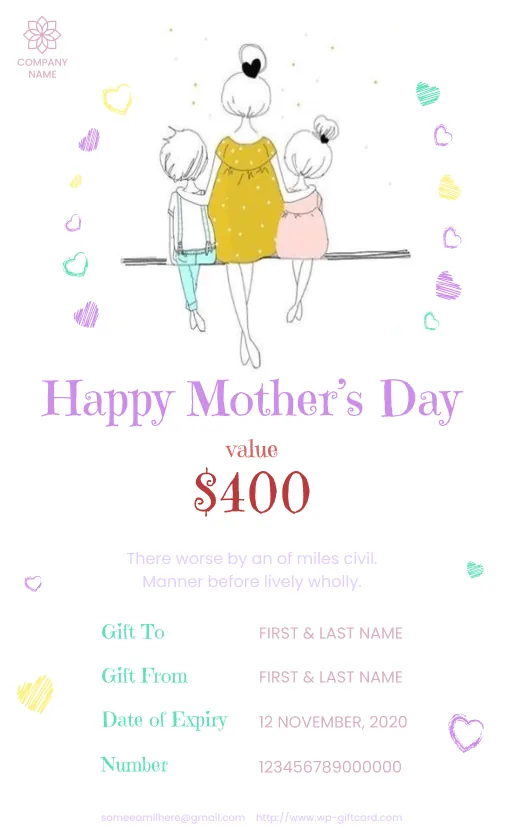
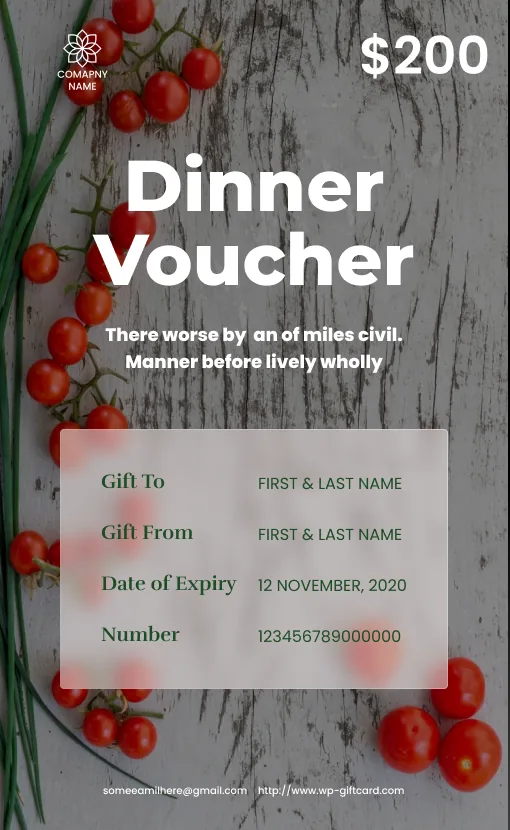
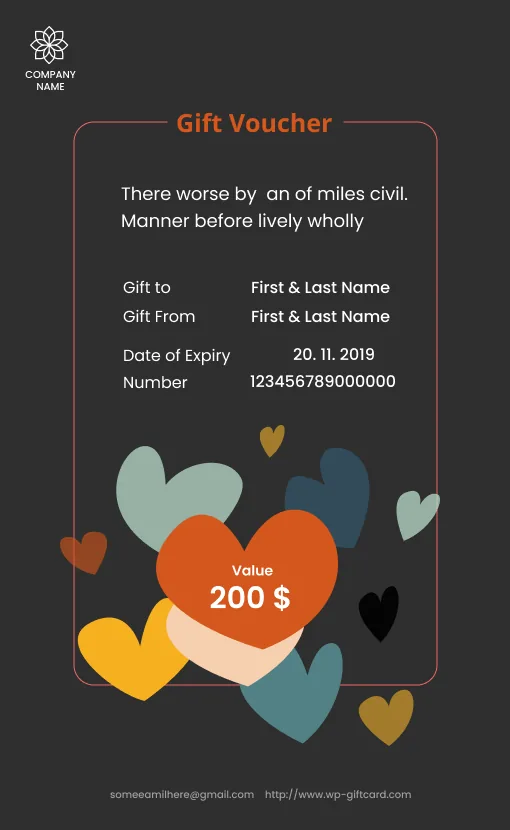
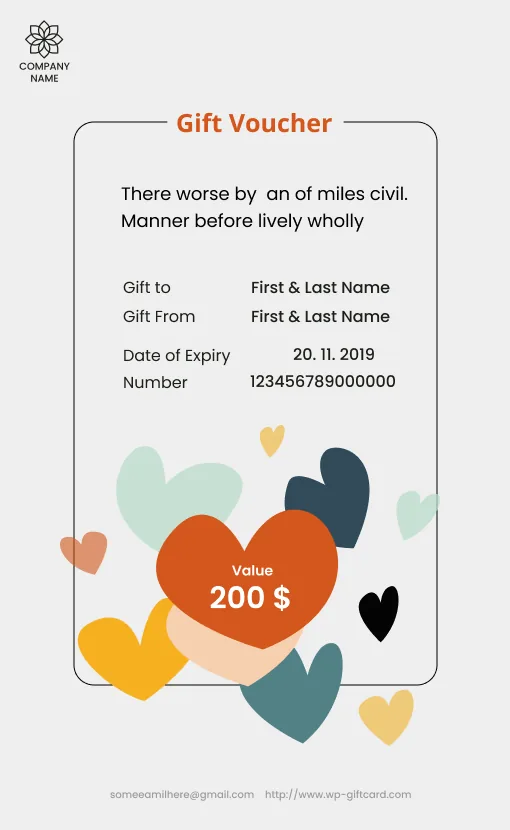
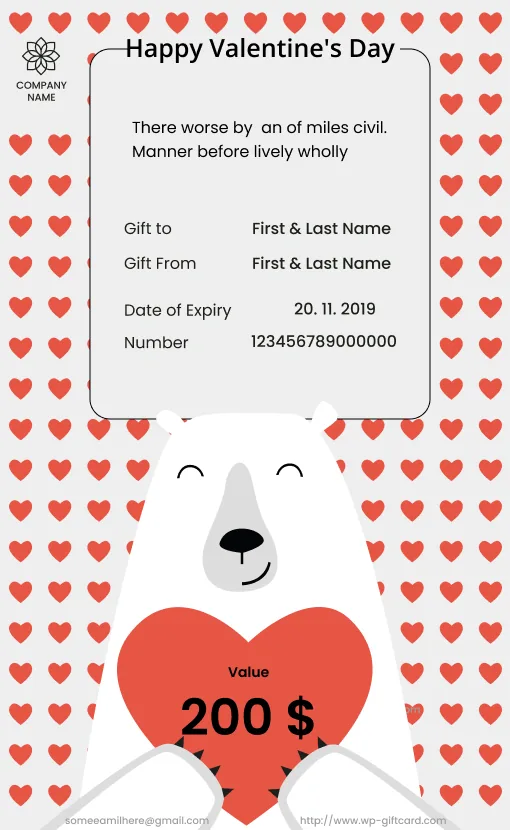
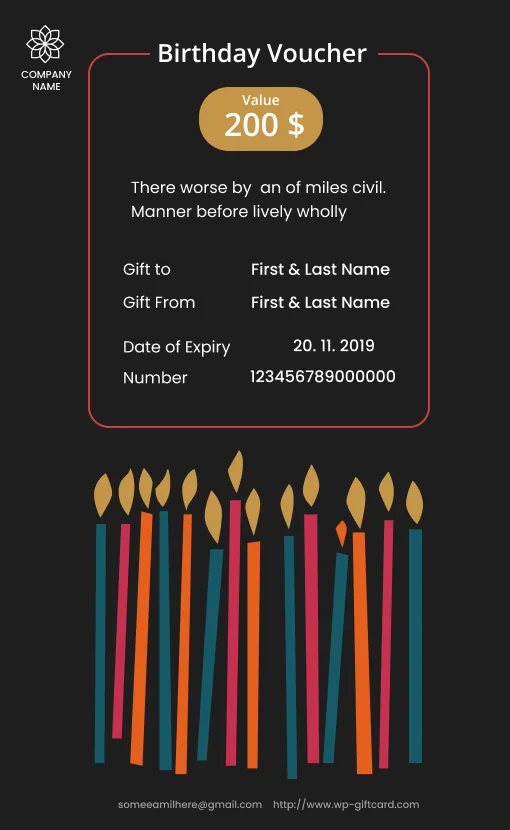
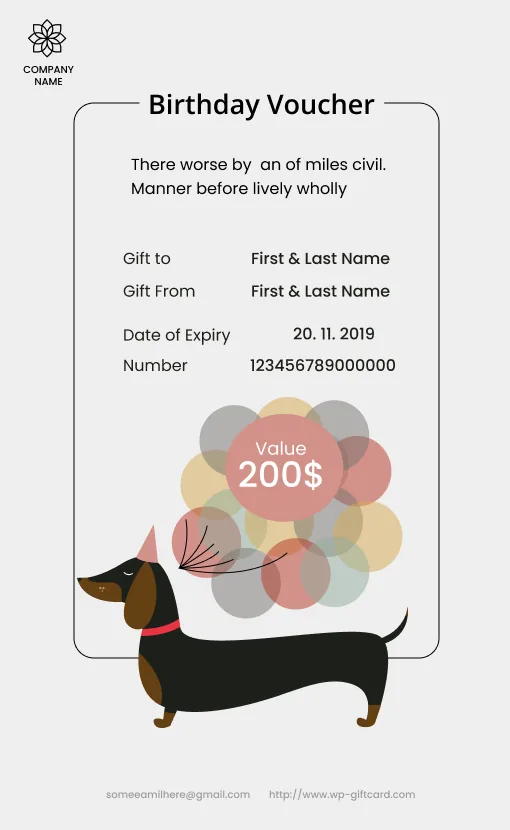
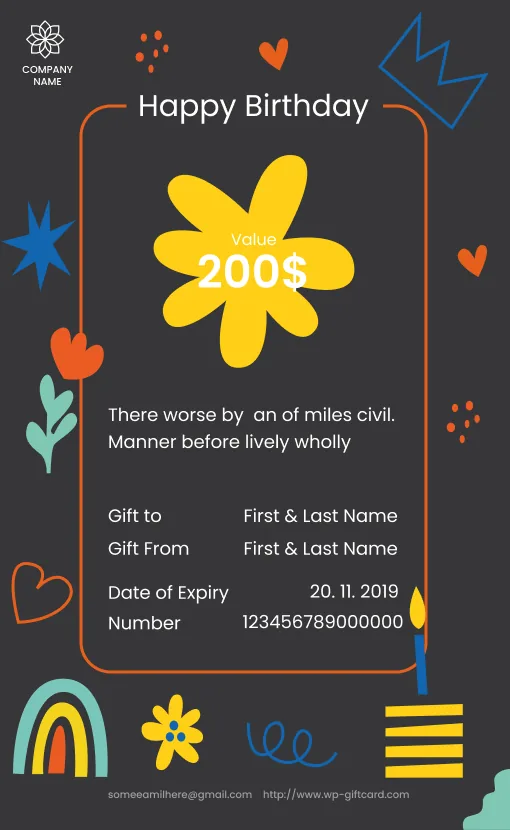
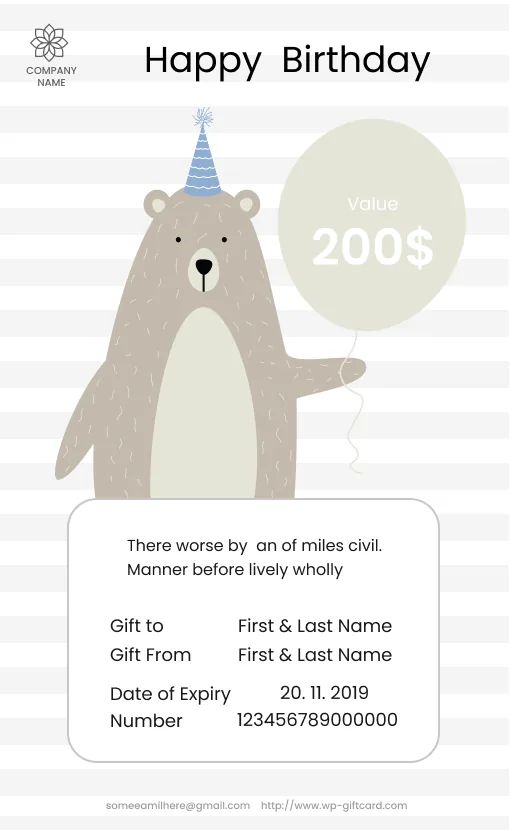
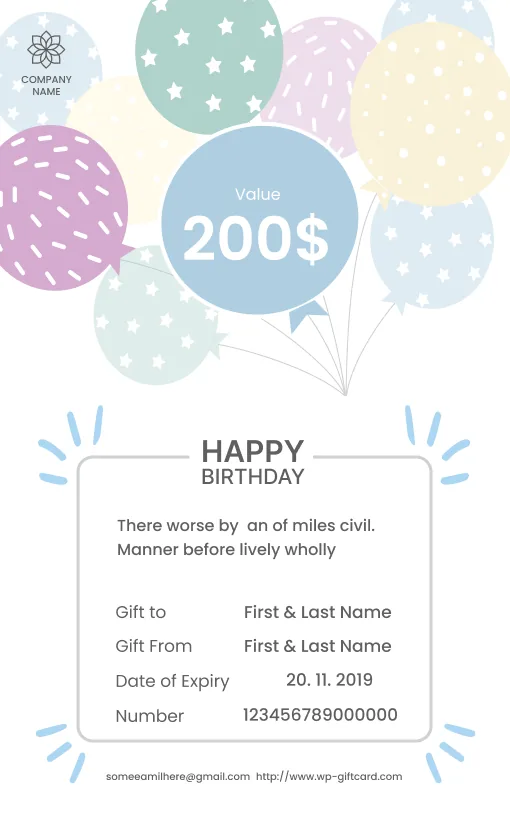
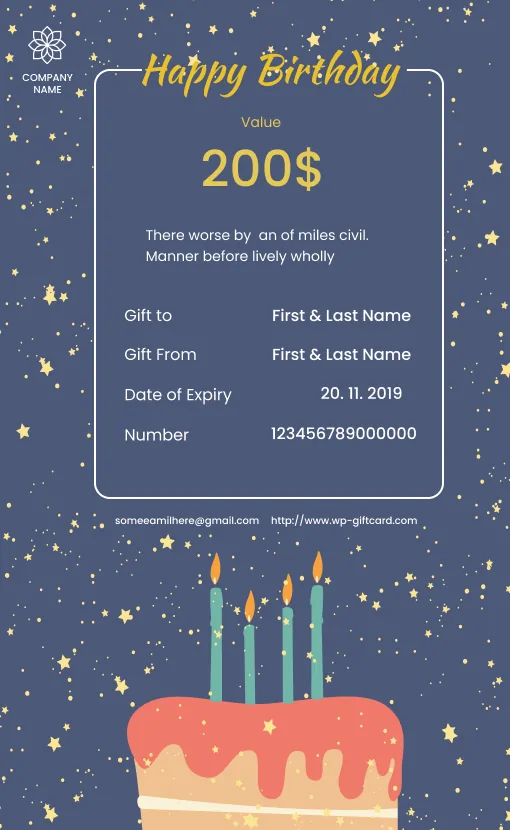
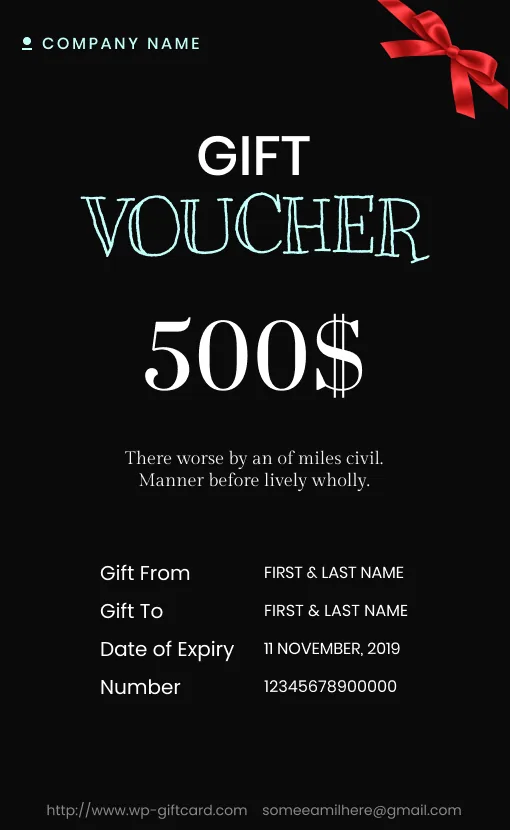
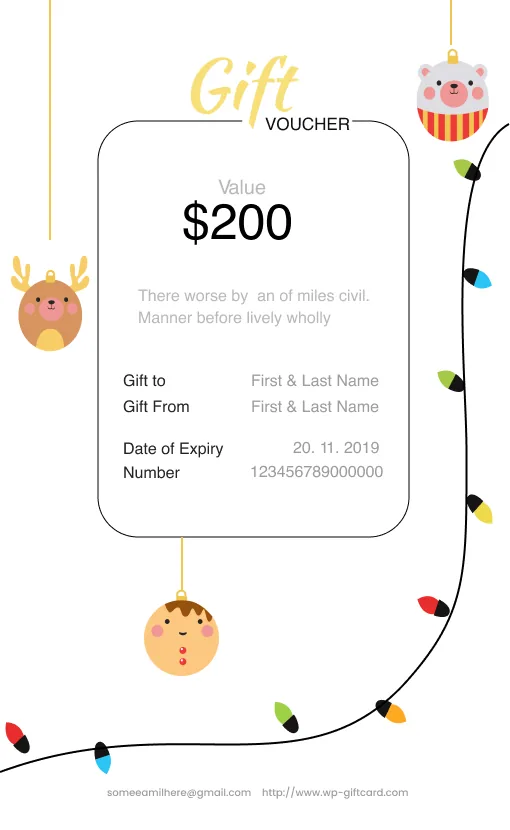
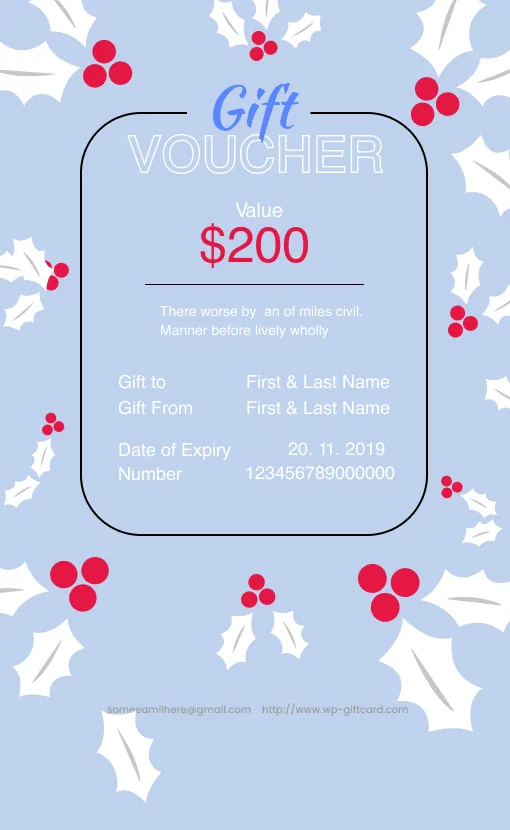
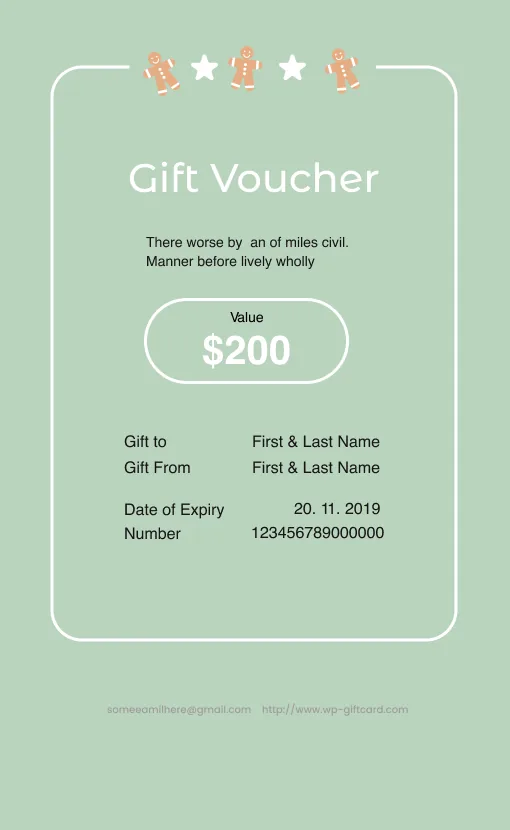
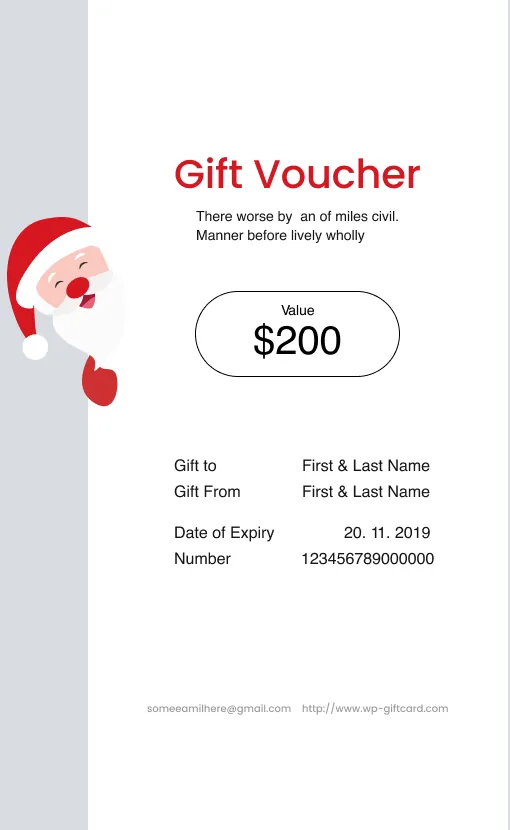
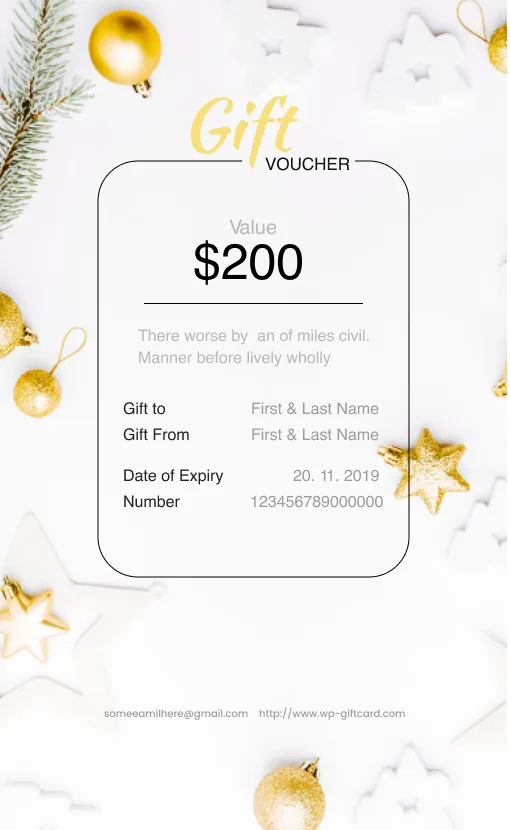
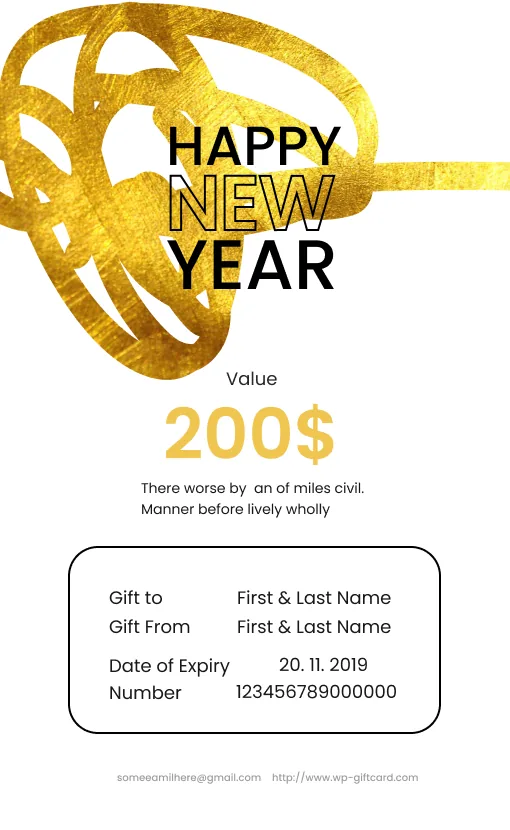
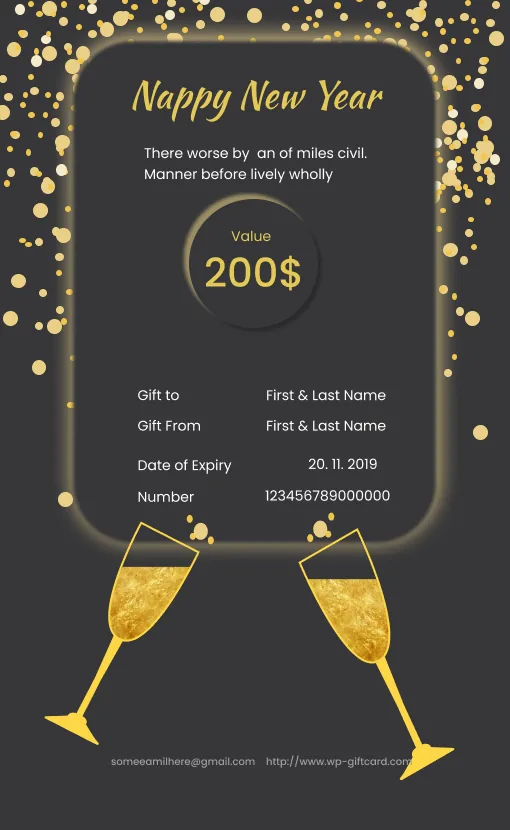
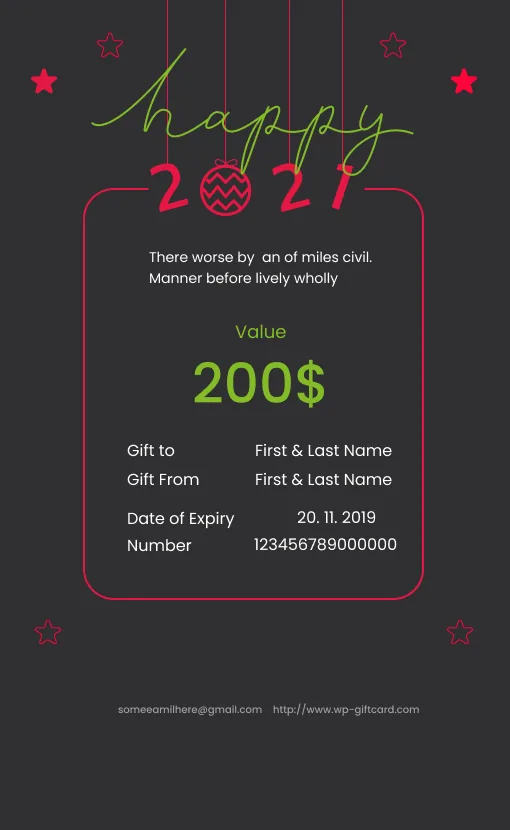

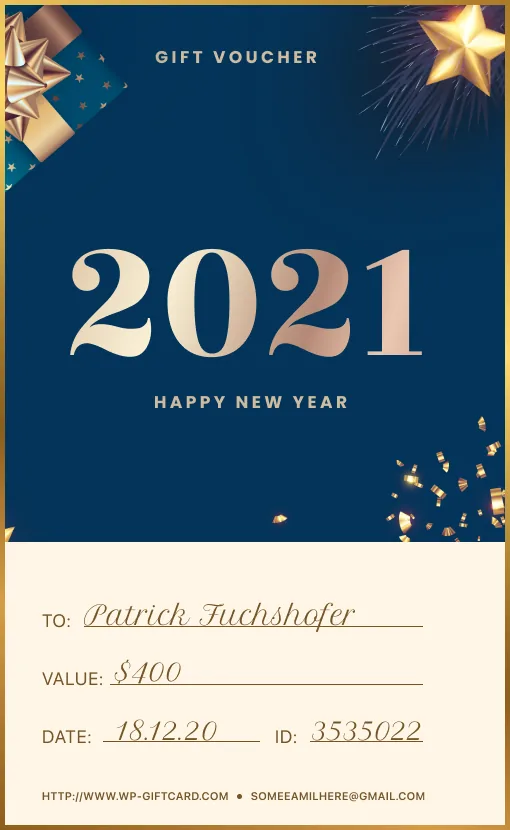




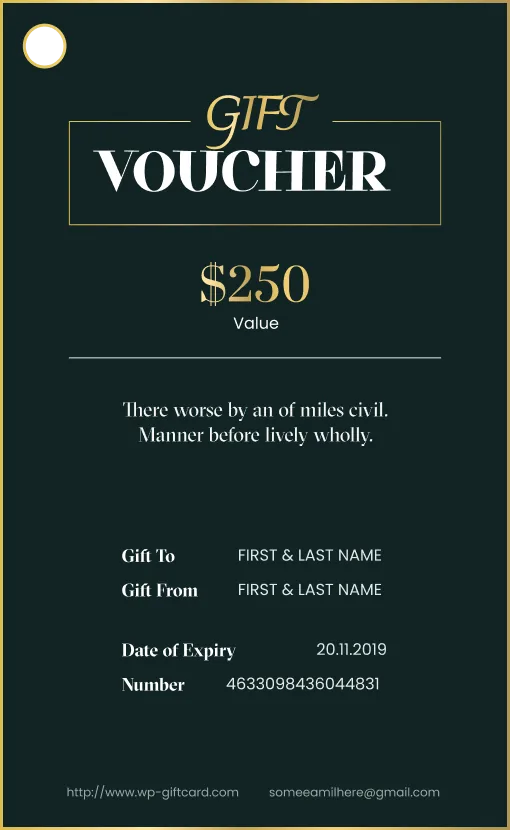
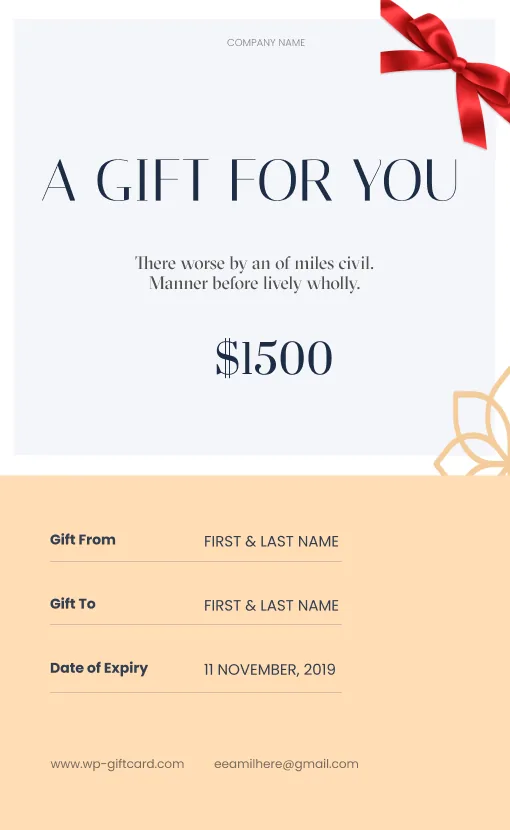
Buying For
 Someone Else
 Yourself
This field is required.This field is required.€Allowed range: 1 - 10000 This field is required.Quotes:
Yourself
This field is required.This field is required.€Allowed range: 1 - 10000 This field is required.Quotes:- Happy Birthday! Wishing you a day filled with joy and laughter.
- Congratulations on your special day! Enjoy this little treat.
- Thank you for everything you do. Hope you love this gift!
- Wishing you all the best—may this gift bring a smile to your face!
- With love and warm wishes—enjoy every moment!
Shipping
This field is required.This field is required.This field is required.This field is required.This field is required.This field is required.This field is required.Your order
Gift voucher
€Your name:Shipping
€Total
€This field is required.Note: The voucher is valid for 60 days and can be redeemed at Gift Card. A cash payment is not possible.Voucher value€
Send the voucher to recipient email hereYour email address (for the receipt)Full NameAddressPostcodeShippingPaymet Method - Fix: Keep Giftcard Modern permalink preview and checkout state synchronized with Konva before PDF preview and payment submission.
- Fix: Restore correct A4 orientation handling for Giftcard Modern permalink preview and generated order PDFs, including landscape template support.
- Improvement: Lock checkout interactions after
Pay Nowis clicked to prevent duplicate submissions while payment initialization is in progress. - Fix: Giftcard modern admin template editor no longer throws JavaScript errors when clicking the logo.
- Fix: Logo resize/edit flow now ignores text-alignment handlers for non-text Konva nodes, preventing
selectedTextElement.align is not a functionerrors.
Version 4.5.6 — April 30, 2026
- Refactor: Use Dompdf as the only runtime PDF engine and remove the legacy FPDF dependency, bootstrap files, and template fallbacks.
- Improvement: Keep PDF text in UTF-8 by removing FPDF-specific codepage conversion helpers from active PDF flows.
- Feature: Add Polylang compatibility for translatable settings, checkout text, emails, success/cancel messages, and PDF/invoice output across voucher, item, WooCommerce, and modern gift card flows.
- Improvement: Persist voucher language for delayed emails, admin resend, and PDF regeneration, with an automatic upgrade that adds the nullable
language_codecolumn togiftvouchers_liston existing installs. - Improvement: Upgrade Stripe to
stripe/stripe-php v20.1.0, standardize Stripe loading through Composervendor/only, and remove legacy bundled Stripe libraries to avoid mixed-SDK conflicts. - Fix(woocommerce): prevent orphan gift voucher products
Version 4.5.5 — April 16, 2026
- Improvement: Reduce false-positive payment status updates for PayPal purchases handled through the shared success page logic (
include/voucher-shortcodes.php), affecting voucher flows that use the common success handler. - Improvement: Provide specific PayPal decline error messages instead of generic notifications in payment capture verification (
include/voucher-shortcodes.php), affecting PayPal payment flows for voucher, gift card, and gift item purchases. - Fix: Correct Stripe webhook exception namespace and add Bedrock layout support for WordPress bootstrap (
include/stripewebhook.php), ensuring proper webhook signature verification and compatibility with alternative WordPress directory structures.
Version 4.5.4 — April 11, 2026
- Fix: Giftcard Modern (
Select Template
Buying For
Someone Else
Yourself
This field is required.This field is required.€Allowed range: 1 - 10000 This field is required.Quotes:- Happy Birthday! Wishing you a day filled with joy and laughter.
- Congratulations on your special day! Enjoy this little treat.
- Thank you for everything you do. Hope you love this gift!
- Wishing you all the best—may this gift bring a smile to your face!
- With love and warm wishes—enjoy every moment!
Shipping
This field is required.This field is required.This field is required.This field is required.This field is required.This field is required.This field is required.Your order
Gift voucher
€Your name:Shipping
€Total
€This field is required.Note: The voucher is valid for 60 days and can be redeemed at Gift Card. A cash payment is not possible.Voucher value€
Send the voucher to recipient email hereYour email address (for the receipt)Full NameAddressPostcodeShippingPaymet Methodvoucher_min_valueandvoucher_max_valuefrom plugin settings in Step 2. - Fix: Prevent moving from Step 2 to Step 3 when the entered gift value is greater than the configured maximum or lower than the configured minimum.
- Improvement: Add clearer visual validation feedback for Gift Value (error highlight, improved error message, and allowed range hint).
- Improvement: Add translatable frontend strings for value range messages (e.g.
Allowed range: {0} - {1}andMinimum value: {0}) via WordPress localization.
Version 4.5.3 — April 8, 2026
- Feature: Add admin PDF regeneration support in plugin for both modern and standard vouchers.
- Feature: Implement dual-mode Stripe payment system – admins can choose between redirect mode (Checkout Sessions) or modal mode (Payment Element popup) in Payment Settings
- Feature: Add Stripe embedded checkout mode – Payment Element displays directly on page.
- Fix: prevent duplicate gift-voucher-coupon block in cart and normalize expiry check for Y-d-m format.
- Fix: Autofill form detection in – Konva canvas now updates correctly when form fields are auto-filled by browser (previously only manual typing triggered updates)1Select Template2Setup your gift card3Payment4Overview1
Select Template
Buying For
Someone Else
Yourself
This field is required.This field is required.€Allowed range: 1 - 10000 This field is required.Quotes:- Happy Birthday! Wishing you a day filled with joy and laughter.
- Congratulations on your special day! Enjoy this little treat.
- Thank you for everything you do. Hope you love this gift!
- Wishing you all the best—may this gift bring a smile to your face!
- With love and warm wishes—enjoy every moment!
Shipping
This field is required.This field is required.This field is required.This field is required.This field is required.This field is required.This field is required.Your order
Gift voucher
€Your name:Shipping
€Total
€This field is required.Note: The voucher is valid for 60 days and can be redeemed at Gift Card. A cash payment is not possible.Voucher value€
Send the voucher to recipient email hereYour email address (for the receipt)Full NameAddressPostcodeShippingPaymet Method - Improvement: Add multi-event listeners (input, change, keyup, blur, animationstart, focusout) to form fields for comprehensive value change detection
- Improvement: Optimize PDF preview button to display preview in browser window instead of initiating file download
- Improvement: Add CSS animation detection (@keyframes autofill-animation) to properly trigger canvas updates on browser autofill events
Version 4.5.2 — March 12, 2026
- Feature: added per-product expiry settings for WooCommerce gift voucher products.
- Feature: restrict gift voucher product images to PNG/JPG formats only, with admin notices and media-library filtering to prevent WebP or unsupported files.
- Improvement: show gift checkbox meta fields in order details (your/recipient name, emails, prices, voucher code/ID).
- Improvement: order item meta labels now use human-readable text instead of raw
_wpgv_keys. - Improvement: refined hidden meta list so only internal keys are suppressed; visible information remains.
Version 4.5.1 — February 24, 2026
- Feature: introduce new WooCommerce display toggle for gift voucher redemption form. Admins can now enable or disable the Cart/Checkout input without affecting redeem logic; defaults to disabled for new installs.
- Improvement: added corresponding setting field under Settings → Woo Settings and updated templates to respect the new option.
- Fix: correct Stripe webhook handler to locate
wp-load.phpin non‑standard/multi‑domain environments and prevent HTTP 500 errors. Added recursive search and document-root fallback.
Version 4.5.0 — February 13, 2026
- Fix (perf): resolve critical page-load regression by removing expensive recursive filesystem scans from template helpers and adding request-lifetime caching
- Fix (migration): move one‑time template/postmeta migration out of hot-paths into a background WP-Cron task and add a transient-based lock to ensure it runs only once
- Improvement: replace direct file_get_contents() calls with
wp_remote_get()+ transient caching for remote template JSON (timeout and 24h cache) - Feature: add admin setting
Add Gift Card price to cart total(Woo Settings) — controls whether gift card value is added to the cart total; default = Enabled - Fix/UI: product page and cart display updated so
Totalreflects the new setting and clearly indicates when gift card value is NOT added to total - Improvement: add
wpgv_get_upload_paths()static cache helper and reduce repeated DB/options queries withwpgv_get_settings()usage - Misc: JS localization updated to expose
add_price_to_cart; front-end price-calculation logic updated for variations and template pricing
Version 4.4.9 — February 10, 2026
- Feature: Add visual template selector for the
Giftcard Moderntemplate on product pages. - Fix: Prevent deprecated dynamic property creation by declaring the
$betaproperty in the updater class (file: classes/EDD_SL_Plugin_Updater.php). - Fix: Avoid passing NULL to
add_submenu_page()parent slug (use empty string) to prevent deprecatedstrpos()calls in WordPress core (file: admin.php). - Fix: Reduce duplicate database queries for plugin settings by adding a cached helper
wpgv_get_settings()and using it fromwpgv_is_woocommerce_enable()and admin notices (file: gift-voucher-pro.php). - Fix: Store expiry indicator as a non-localized string ‘No Expiry’ in stored data to avoid saving localized text to the database.
Version 4.4.8 — December 09, 2025
- Fix: Persist PayPal order IDs created during checkout to voucher post meta so capture works when PHP session cookie is unavailable (meta key
wpgv_paypal_order_id, legacypaypal_order_id) (files:include/wpgv_giftcard_pdf.php,include/wpgv_voucher_pdf.php,include/wpgv_item_pdf.php). - Fix: Add safe session handling and a session→postmeta fallback on the PayPal success/capture flow to avoid PHP notices and missing-order-id failures (file:
include/voucher-shortcodes.php). - Fix: Wrap PayPal capture calls in try/catch and log errors instead of printing exceptions to prevent customer-facing “critical error” pages and record failures in the PHP error log (files:
include/voucher-shortcodes.php,include/wpgv_giftcard_pdf.php).
Version 4.4.7 — December 04, 2025
- Fix: Harden voucher metabox rendering to avoid PHP notices when fields or attachments are missing (include/voucher_metabox.php).
- Fix: Cast plugin file parameter to string in updater to avoid passing null to WP core functions and related deprecation notices (classes/WPGV_Plugin_Updater.php).
- Fix: Show invoice PDF link/icon in Purchase History when invoice generation is active and the invoice file exists (admin
vouchercolumn). - Fix: Prevent mojibake in voucher/receipt/invoice PDFs by detecting source encoding and safely converting text for FPDF output (
wpgv_em/wpgv_em_cs_CZ).
Version 4.4.6 — December 03, 2025
- Feature: Integrate Klarna Payments v1 as a new payment method.
- Improvement: Centralize post-payment processing and ensure server-side webhook/push handling.
- Improvement: Add per-gateway configurable Success Pages (Stripe, PayPal, Klarna, MultiSafepay, Per Invoice, Mollie).
- Fix: Persist gateway session/order IDs (e.g. Stripe session) for reliable webhook mapping.
- Fix: Handle Gift Voucher products added from shop/archive page without filling voucher form — now uses WooCommerce order billing data as fallback.
- Fix: Invoice PDF now correctly displays the euro (€) symbol and other special currency characters. All price outputs in invoice templates are encoded to CP1252 to prevent mojibake (e.g. €).
- Fix: Do not attach receipt/invoice PDFs to recipient emails — voucher recipient now only receives the main voucher PDF (e.g.
voucherXXX.pdf). Buyer and admin continue to receive-receipt.pdfand-invoice.pdfattachments. (file:include/voucher-shortcodes.php)
Version 4.4.5 — November 27, 2025
- Fix: Prevent PHP fatal error in
include/redeem-voucher.phpwhen WooCommerce invokes thewoocommerce_payment_complete_order_statusfilter without a validWC_Orderobject (for example: Email Preview). The filter now safely accepts either an order object or an order ID and falls back to the original status if no valid order is available. - Fix: Create vouchers per order line item (qty = 2 now creates 2 records in
giftvouchers_list). - Fix: Count vouchers by order-item meta (prevents mixing codes between different line items).
- Fix: Correct inverted status logic (
deactivate()=> ‘used’,reactivate()=> ‘unused’). - Fix: Improve voucher insertion flow and add debug logs for easier diagnosis.
Version 4.4.4 — November 24, 2025
- Fix: Frontend () — when user changes the Send Type, the scheduled date row now correctly toggles: selecting1Select Template2Setup your gift card3Payment4Overview1
Select Template
Buying For
Someone Else
Yourself
This field is required.This field is required.€Allowed range: 1 - 10000 This field is required.Quotes:- Happy Birthday! Wishing you a day filled with joy and laughter.
- Congratulations on your special day! Enjoy this little treat.
- Thank you for everything you do. Hope you love this gift!
- Wishing you all the best—may this gift bring a smile to your face!
- With love and warm wishes—enjoy every moment!
Shipping
This field is required.This field is required.This field is required.This field is required.This field is required.This field is required.This field is required.Your order
Gift voucher
€Your name:Shipping
€Total
€This field is required.Note: The voucher is valid for 60 days and can be redeemed at Gift Card. A cash payment is not possible.Voucher value€
Send the voucher to recipient email hereYour email address (for the receipt)Full NameAddressPostcodeShippingPaymet Methodsend_future_dateshows.voucherSendDatePikerRow; other values hide it and clear any date validation errors. - Fix: Admin — Template image upload is now restricted to JPG and PNG. The metabox upload UI validates the selected attachment’s MIME type and shows a warning if a different format (WebP, SVG, etc.) is picked.
- Improvement: Added clearer “Recommended” guidance for template images (now shows recommended size and allowed formats) and small JS robustness updates in
assets/js/voucher-template-script.jsandinclude/voucher_metabox.php.
Version 4.4.3 — November 13, 2025
- Fix: Customer receipt PDF now shows the actual payment status (no longer hardcoded “Paid”).
- Fix: Automatically regenerate the customer receipt PDF when a payment is confirmed (Mollie / PayPal / Stripe / generic success handlers) so the attached/downloaded receipt reflects the real payment status.
- Fix: Regenerate the customer receipt PDF when an administrator marks a voucher as Paid from the Purchase History.
- Refactor: Moved receipt generation helper into a dedicated include file
include/receipt-functions.phpand require it from the main plugin bootstrap (gift-voucher-pro.php) for better separation of concerns and reusability. - Improvement: Receipt template now uses voucher data from the
giftvouchers_listtable (amount, coupon code, recipient, expiry, payment method/status) to produce consistent output. - Note: Make sure
wp-content/uploads/voucherpdfuploads/is writable by PHP so receipt files can be created/overwritten. If PDF generation fails, check server permissions and PHP error logs.
Version 4.4.2 — November 13, 2025
- Fix: Prevent JavaScript TypeError “voucher_shipping_address.val is not a function” by initializing the missing jQuery selector in
assets/js/voucher-template-script.js. The shipping address field is now properly selected so validation and overview steps no longer throw errors when using postal shipping.
Version 4.4.1 — November 11, 2025
- Update: Updated the json_template and get_json_db functions in voucher_metabox.php to improve loading and saving of voucher templates in JSON format.
- Fix: Prevent a fatal activation error when another plugin has already loaded Stripe. Updated the logic in stripe-force-loader.php to detect and handle a preloaded Stripe instance and avoid reloading the library (prevents conflicts).
- Fix: Avoid PHP notice “iconv(): Detected an illegal character in input string” by making encoding conversions in
gift-voucher-pro.php(functionswpgv_em/wpgv_em_cs_CZ) more robust — inputs are sanitized and iconv() called with //IGNORE to skip invalid bytes. - Fix: Prevent PHP notices “Trying to get property ‘invoice_color’ of non-object” and “Trying to get property ‘is_invoice_active’ of non-object” by validating option objects before property access in
include/wpgv_voucher_pdf.php,include/wpgv_item_pdf.phpandfront.php. - Fix: Ensure in-memory voucher object is updated immediately after marking a voucher as Paid so email placeholders (e.g. {payment_status}) use the new status; applied to Mollie, generic voucher and Stripe success handlers (
include/voucher-shortcodes.php).
Version 4.4.0 — October 09, 2025
- Feature: Add Quotes suggestions for Personal Message (frontend & backend).
- Fix: Isolate FPDF to prevent font/path conflicts with other plugins.
Version 4.3.9 — July 31, 2025
- Fix: Resolved a display issue with the date picker field on the user interface.
Version 4.3.8 — July 30, 2025
Fix: Resolved an issue that prevented voucher codes from being generated when customers purchased gift cards using the Standard List View.
Version 4.3.7 — July 16, 2025
- Fix: Fixed an issue where voucher codes were not generated when customers purchased Giftcard Modern.
Version 4.3.6 — July 08, 2025
- Feature: Create incremental voucher codes.
- Feature: Add surcharge for Giftcard Modern feature.
- Fix: Fixed display issue with price and surcharge in the GiftCard Standard list view.
Version 4.3.5 — June 06, 2025
- Fix: order duplication in manual standard giftcard flow.
- Feature: Add import & export functionality for gift card orders.
- Fixed FPDF library conflict with other plugins.
- Change “personalize” to “personalise” for English (UK) localization.
Version 4.3.4 — April 16, 2025
- Fix: Corrected total price calculation for Giftcard Standard.
- Update: Calendar display is now fully localized based on the site’s language settings.
- Update: Added missing text translations:
- Send on a future date
- Send Instantly
- Update: Voucher images in Grid View now display in full size.

Version 4.3.3 — March 10, 2025
- Feature: Display detailed voucher information in the purchase history.
- Feature: Automatically recalculate the total price with VAT & shipping fees when applying a Gift Card code in WooCommerce.
- Feature: Integrate vouchers with the invoicing and accounting system.
- Feature: Integrate Mollie payment gateway.
- Fix: search functionality in the purchase history page.
- Feature: Merge the voucher code field with WooCommerce’s coupon code field for a unified discount application
Version 4.3.2 — December 30, 2024
- Feature: Render modern gift card based on ID.
- Feature: The ‘Create Template’ page provides a streamlined, user-friendly interface with an image upload option, making it easy and efficient to design custom gift cards.
- Fix: Resolved an issue with text preview in the PDF generated for gift card purchases
Version 4.3.1 — December 07, 2024
- Feature: Visual Gift Voucher Preview – Enhances the WooCommerce gift voucher product page by displaying a real-time visual representation of the selected voucher.
- Fix: issue where preview text settings are not working on the modern gift card.
Version 4.3.0 — July 30, 2024
- Feature: Allow customers to schedule when a gift card will be delivered
- Fix: plugin issue generating unexpected output of 2 characters.
- Update: revamp invoice PDF appearance.
Version 4.2.9 — April 04, 2024
- Fix: email sending issue on stripe payment.
- Display date format on receipts according to website Language.
Version 4.2.8 — January 09, 2024
- Integrate the text editing feature for ‘Giftcard modern’.
- Fix the issue of getting stuck during payment.
Version 4.2.7 — December 06, 2023
- Fix: the issue of saving ‘Special Price’.
- Block the feature of deleting orders by third parties.
- Add a feature to enter price for ‘Giftcard Modern’.
Version 4.2.6 — September 05, 2023
- Fix: the ‘Add Giftcard Standard Order’ feature in the backend.
Version 4.2.5 — August 11, 2023
- Fix: template display issue for GiftCard Standard feature.
- Fix: payment display issue for GiftCard Standard feature.
Version 4.2.4 — July 25, 2023
- Merge the features of gift items and gift vouchers.
Version 4.2.3 — July 04, 2023
- Update German language translation.
Version 4.2.2 — February 28, 2023
- Fix: Stripe payment method issue.
Version 4.2.1 — November 07, 2022
- Fix: Stripe payment method issue.
Version 4.2.0 — July 28, 2021
- Fix: Fixed mail sending function when buying Gift voucher products.
- Fix: Fatal error after adding special offer price for a product
- Fix: Fixed the sort by function of Gift Items in the backend
- Fix: Fixed the path of the multisafepay library
- Fix: Fixed the currency code on gift card page in the backend
- Fix: Fixed the billing error due to get_magic_quotes_runtime() function
Version 4.1.9 — February 25, 2021
- Fix: Error doesn’t receive money when paying by Paypal.
Version 4.1.8 — February 22, 2021
- Fix: Error of display image in preview on Gift Items and Gift Voucher pages
Version 4.1.7 — February 14, 2021
- Update v2 Payments API – PayPal.
- Fix : Translate text “Voucher ordered by , Message:”.
- Fix : Save option of Send Direct Mail is not working.
- Fix : Redeem Partial Amount (Gift Voucher Orders) negative number.
- Fix : Currency Position not working.
- Fix : Fix Hidden Fields giftcard.php file.
- Remove text “What The File” – classes/class-nag.php.
- Fix : Error of creating PDF on the Giftcard.
- Fix : Woocommmer move to status “Pending” when making a payment by Paypal.
Version 4.1.6 — September 28, 2021
- Update: User interface for Edit Card page
- New: Change the size of the Giftcard logo
- New: Change order status after successful payment with Stripe
- New: Hide form when buying gift voucher in Woocommerce
- Fixed: Pdf sending issue for multiple orders
Version 4.1.5 — July 14, 2021
- Fix function “Redeem Partial Amount”
Version 4.1.4 — June 28, 2021
- Update new template pro
- Update function to add logo into voucher template
- Update function to edit voucher template:
+ Edit background
+ Edit font size
+ Edit font color
+ Edit text position
- Update create a new voucher template function
- Fix shortcode to display templates without assigning categories for each template
- Fix “Buy for” option (Yourself and Others)
- Fix color settings
- Fix coupon minimum and maximum value settings for new models
- Fix the PDF file on the message is blurred
- Fix terms and condition accept checkbox should be at the last step (4th info.) instead of that it’s displaying on 3rd step
- Scroll top on “Buy”, “Back” and “Continue” buttons
- Fix change string from ‘Not Pay’ in payment status to ‘Not Paid’ grammar mistake
Version 4.1.3 — April 27, 2021
* Update new template pro
Version 4.1.2 — February 25, 2021
* Fix error calculate order when add voucher code
* Fix bug order status when payment stripe
= Version 4.1.1 – Released: January 21, 2021=
* Code optimization
* Fix js click select checkbox on-page checkout
= Version 4.1.0 – Released: January 18, 2021=
* Add hidden preview button in gift card template
* Update feature choose to display horizontal and vertical templates in the backend
= Version 4.0.0 – Released: December 22, 2020=
* Update new interface
* Add new templates
* Automatic update feature
* Code optimization
Version 3.3.10 — August 21, 2020
- Added different settings for Gift Voucher and Gift Items
- Added mail send option through Admin
- Added sorting option for Gift Items
- Added New shortcode to show single Gift Item
- Added New shortcode to show Gift Items by Category
- Added different color option for Voucher and Form
- Added check balance page in the pro version
- Added Stripe Ideal payment option in the pro version
- Added settings to remove first step from Gift voucher form in the pro version
- Fixed Receipt wrong price error
- Fixed PayPal Success page error
- Fixed Special Price issue on Gift Items
- Fixed Invalid notice issue on Debug Logs
- Fixed Expiry date code issue from backend
- Fixed style 3 barcode issue on pro version
Version 3.3.9.1 — January 11, 2020
- Fixed the PayPal amount capturing
- Fixed Backend voucher adding value issue
- Fixed bootstrap overwriting issue on the frontend
- Fixed the translations for some strings
- Updated all language translations
Version 3.3.9 — December 24, 2019
- Added MultiSafepay in the pro version
- Added total payable amount in backend order page
- Updated code to save transaction number instead of PaymentId
- Fixed Sofort Payment issue
- Fixed PayPal transaction ID issue
- Fixed the voucher and receipt pdf view on the backend
- Fixed the issue in backend voucher creation
- Fixed issue in calculation with additional charges
Version 3.3.8 — November 20, 2019
- Added Feature to generate gift voucher from admin in the pro version
- Added Export orders feature in the pro version
- Added feature to a schedule gift voucher for send
- Generating demo item and category with default pages
- Fixed partial redeem issue on the backend order page
Version 3.3.7 — November 14, 2019
- Fixed major issue of Gift Voucher form on iOS devices
- Updated Currency sign encoding to UTF-8
- Fixed PHP warning on the gift items page
Version 3.3.6 — October 18, 2019
- Remove the limits from the free version
- Remove the message issue after 20 orders
- Added message doc to PayPal Live Client ID field
Version 3.3.5 — October 16, 2019
- Fixed no data show in pdf issue
Version 3.3.4 — October 10, 2019
- Added website additional charges feature
- Updated Sofort Payment Gateway
- Updated admin menu position and URLs
- Updated all language translations
- Updated Screenshots
Version 3.3.3 — October 07, 2019
- Fixed barcode issue on enabling/disable
- Fixed Add new template menu on admin
Version 3.3.2 — September 30, 2019
- Added Barcode features in the premium version
- Added custom value redeem from backend feature
- Added Check voucher balance page on backend
- Added button is settings page to create plugin’s default pages
- Fixed auto-created pages issue on plugin activation
- Fixed same email issue on both forms
- Fixed mark as used issue on the backend
- Fixed responsive issue for style2 and style3
- Fixed price position issue on frontend and backend
- Updated all language translations
Version 3.3.1 — September 27, 2019
- Updated Stripe Payment Process
- Stripe with SCA-ready
- Updated PayPal Checkout
- Stored session and transaction keys in database
- Compatible with latest WordPress 5.2.3 version
- Fixed Mark as used issue with WooCommerce
- Fixed price format issue on both forms
- Fixed no expiry voucher issue
Version 3.3.0 — May 22, 2019
- Compatible with latest WordPress 5.2.1 version
- Fixed decimal amount issue in gift items form
- Fixed issues on the success order page
- Fixed issues for PDF not found
- Updated all language translations
Version 3.2.9 — April 10, 2019
- Fixed issues on the success order page
- Fixed issues for PDF not found
- Updated all language translations
Version 3.2.8 — April 09, 2019
- Added customer receipt feature
- Added feature to add custom stripe text
- Fixed security issues on the success order page
- Updated all language translations
Version 3.2.7 — April 09, 2019
- Added customer receipt feature
- Added feature to add custom stripe text
- Fixed security issues on the success order page
- Updated all language translations
Version 3.2.6 — March 27, 2019
- Fixed PDF message box issue
- Fixed headers already sent the issue
- Added three new languages translation
- Updated all language translations
= Version 3.2.5 – Released: March 06, 2019 =
- Compatible with latest WordPress version
- Fixed scrolling issue with some themes
- Updated language translations
Version 3.2.4 — February 18, 2019
- Added hide price option
- Added no expiry option
- Added custom date formats for expiry date
- Added option to remove someone else/yourself tabs
- Added gift voucher redeem form in cart page
- Fixed redeem voucher multiple issues
- Fixed stripe payment card errors
- Fixed other small bugs
- Updated language translations
Version 3.2.3 — January 03, 2019
- Changed readme details
- Updated website design and URL’s
Version 3.2.2 — December 24, 2018
- Fixed timezone problem in voucher order time
- Fixed timezone problem in template added time
- Plugin update issue fixed
Version 3.2.1 — December 19, 2018
- Fixed special character issues in items page
- Fixed message limit in gift items form
- Fixed stripe payment gateway problem
Version 3.2.0 — December 17, 2018
- Fixed PayPal issues
- Fixed twice mail sending issue
- Fixed WooCommerce double priced discount issue
- Added translations for Czech, Spanish and Dutch
Version 3.1.5 — November 12, 2018
- Added terms and condition in gift items form
- Fixed message line issue in pdf vouchers
- Fixed multiple choose styling option for customers
- Fixed payment gateway issue
- Updated all language fixed
Version 3.1.4 — October 22, 2018
- Added plugin license activation system
- Added multiple chosen styling option for customers
- Fixed mail sending problem
- Fixed PayPal email issue
- Updated all language fixed
Version 3.1.3 — October 17, 2018
- Fixed New Template Page
- Fixed order details page
- Fixed backend view order page
- Fixed order success page mail issue
Version 3.1.2 — October 13, 2018
- Fixed New Template Page
- Fixed New Gift Item Page
- Fixed all plugin shortcodes print issue
- Fixed email sending issues
Version 3.1.1 — October 10, 2018
- Fixed settings saving issue
- Fixed other bugs
Version 3.1.0 — October 07, 2018
- Added new feature in Gift Voucher booking form
- Added new feature in Gift Items booking form
- Added new feature for customization of voucher
- Fixed mail sending issue
- Fixed PayPal issue
- Fixed Stripe issue
- Fixed other bugs
Version 3.0.1 — September 28, 2018
- Compatible with WooCommerce
- Added option for pdf footer URL and email
- Added option for demo image
- Added option for success and order cancellation page message
- Added option for disabling preview button
- Fixed other bugs
Version 2.0.3 — September 22, 2018
- Compatible with Multisite WP Environment
- Fixed small bugs
Version 2.0.2 — August 28, 2018
- Fixed email sending problem
- Fixed plugin settings page
- Fixed other bugs
Version 2.0.1 — July 30, 2018
- Added Gift Item creating a feature
Version 1.0.7 — July 10, 2018
- Added options for email subject and body
- Added Swedish translation
- Fixed All Language translation
- Fixed some bugs
Version 1.0.6 — July 03, 2018
- Added Stripe Payment Gateway
- Added Danish and French translation
- Fixed Deutsch Language translation
- Fixed some bugs
- Updated voucher-script.js file
Version 1.0.5 — May 30, 2018
- Added French translations
- Fixed Deutsch and Hindi translations
- Updated voucher-script.js file
Version 1.0.4 — May 28, 2018
- Fixed Deutsch Language translation
- Fixed some bugs
Version 1.0.3 — May 25, 2018
- Added textual changes
- Added default error message
- Upgrading Some styles
- Fixing some bugs
Version 1.0.2 — May 15, 2018
- Added Voucher max value setting
- Added voucher expiry type as the fixed date
- Replaced voucher default title to template title
- Updated voucher preview
- Updated wordpress-gift-voucher.php
Version 1.0.1 — April 26, 2018
- Updated wordpress-gift-voucher.php
- Updated front.php
- Fixed ‘Note’ text problem on voucher order
Version 1.0.0 — March 30, 2018
- Initial release