
Gift Cards Pro → Giftcard modern Templates → Add New (the “Create Template” page) builds a design in three steps.
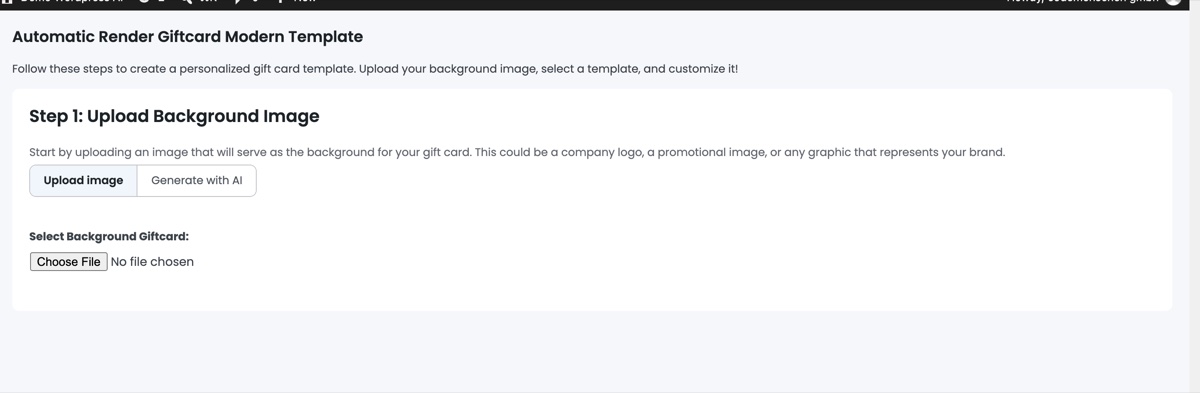
Step 1 – Background image
Either Upload image (PNG or JPG; use at least 1500 px on the long edge for crisp PDFs) or switch to Generate with AI and describe the background you want (see Generate backgrounds with AI). The chosen image becomes the canvas.
Step 2 – Choose a layout and customise
Pick one of the layouts (the position of logo, value, names and code). Then adjust the elements: company logo, company name, gift text, the “From” and “To” fields, code and expiry, text colours and font sizes. Elements can be dragged to a new position.
Step 3 – Preview and save
Preview the card with sample data, give the template a title, assign categories and click Save. Set the status to Active to offer it in the shop. Saved templates keep their layout data, so you can edit them later without starting over.