
Older versions had a separate Giftcard standard Templates menu. These designs are now the Image cards in Gift Cards Pro → Gift Cards; choose Image in the All designs filter to see only them.
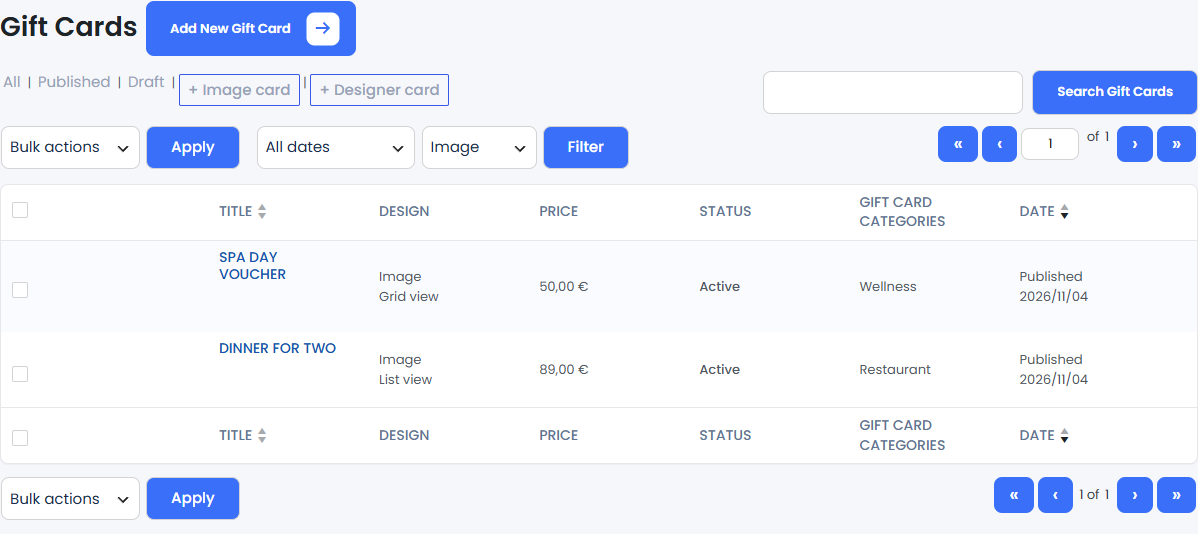
Click + Image card and fill in the Gift Card Details box:
- Select View Mode: List View or Grid View on the front end.
- Description: up to 150 characters.
- Price and optional Special Price: leave the price empty or set it to 0 to let the customer enter the amount, between the configured minimum and maximum.
- Card image: one image, recommended size 1000 × 760 px, JPG or PNG.
Give the card a title, assign a category in the Gift Card Categories box and publish it.
Show image cards with [wpgv_giftcards] (recommended; set Display mode to List or Grid in Settings → General Settings). The older [wpgv_giftcard_standard style="list"] and [wpgv_giftcard_standard style="grid"] still work.