
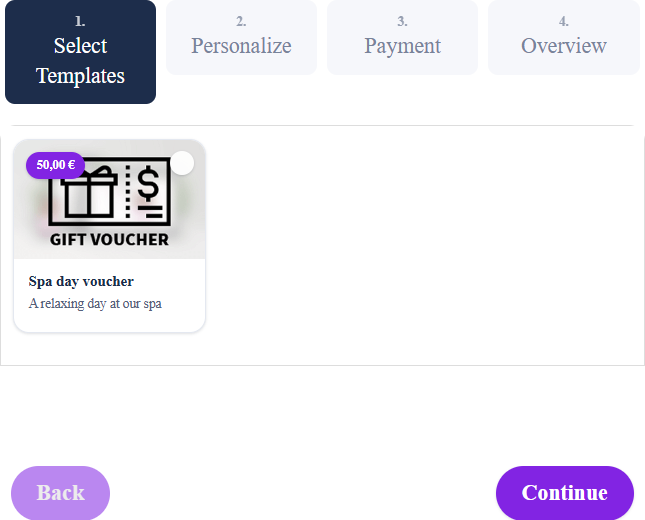
Add [wpgv_giftcards] to a page and set Display mode to List or Grid in the General Settings to sell image cards. It then shows all your image cards. The older [wpgv_giftcard_standard] still works: style="list" (the default, one row per card) or style="grid" (cards with image) shows the cards with the matching Select View Mode setting. The Design column in Gift Cards Pro → Gift Cards shows the view mode of each card.
The form asks for the value (within Minimum/Maximum Voucher Value), buyer and recipient, an optional message and the payment method, then generates the PDF voucher.